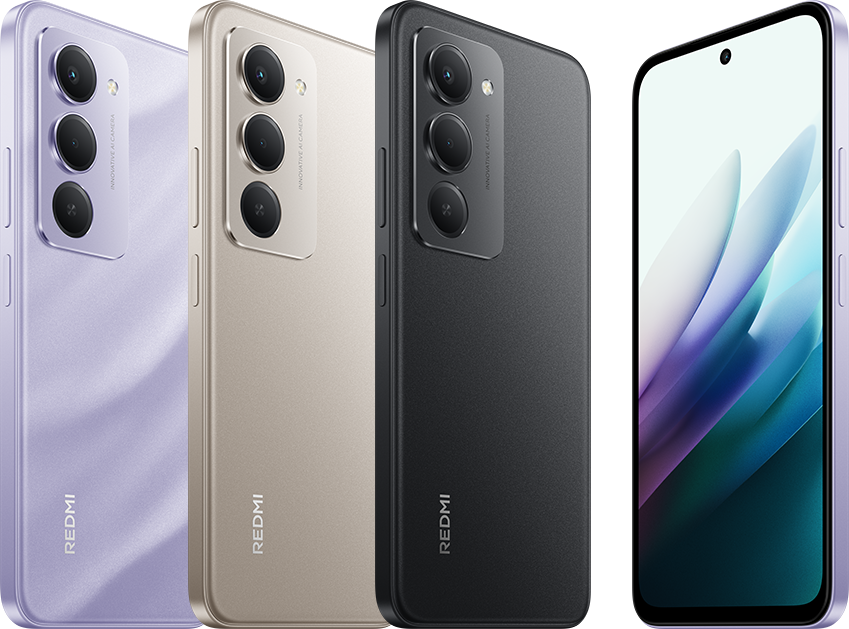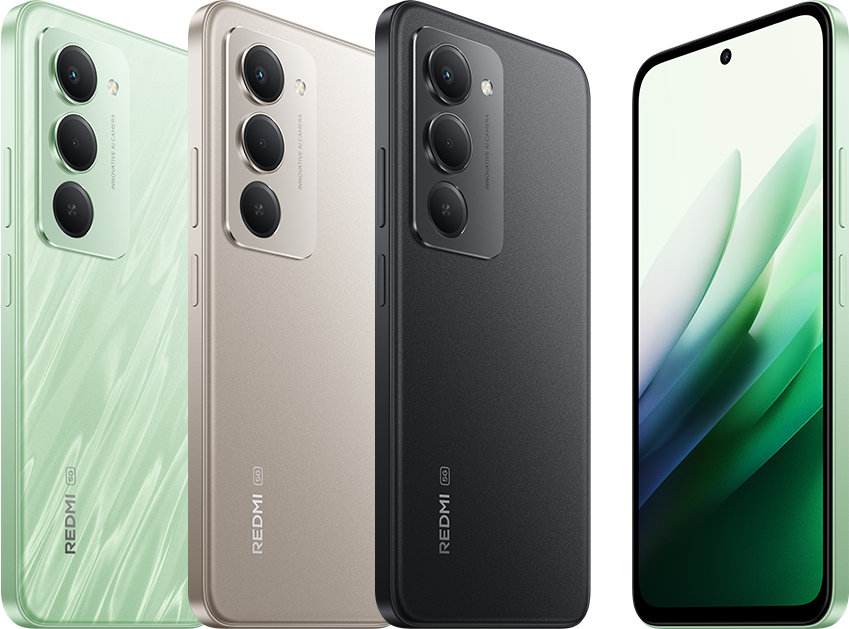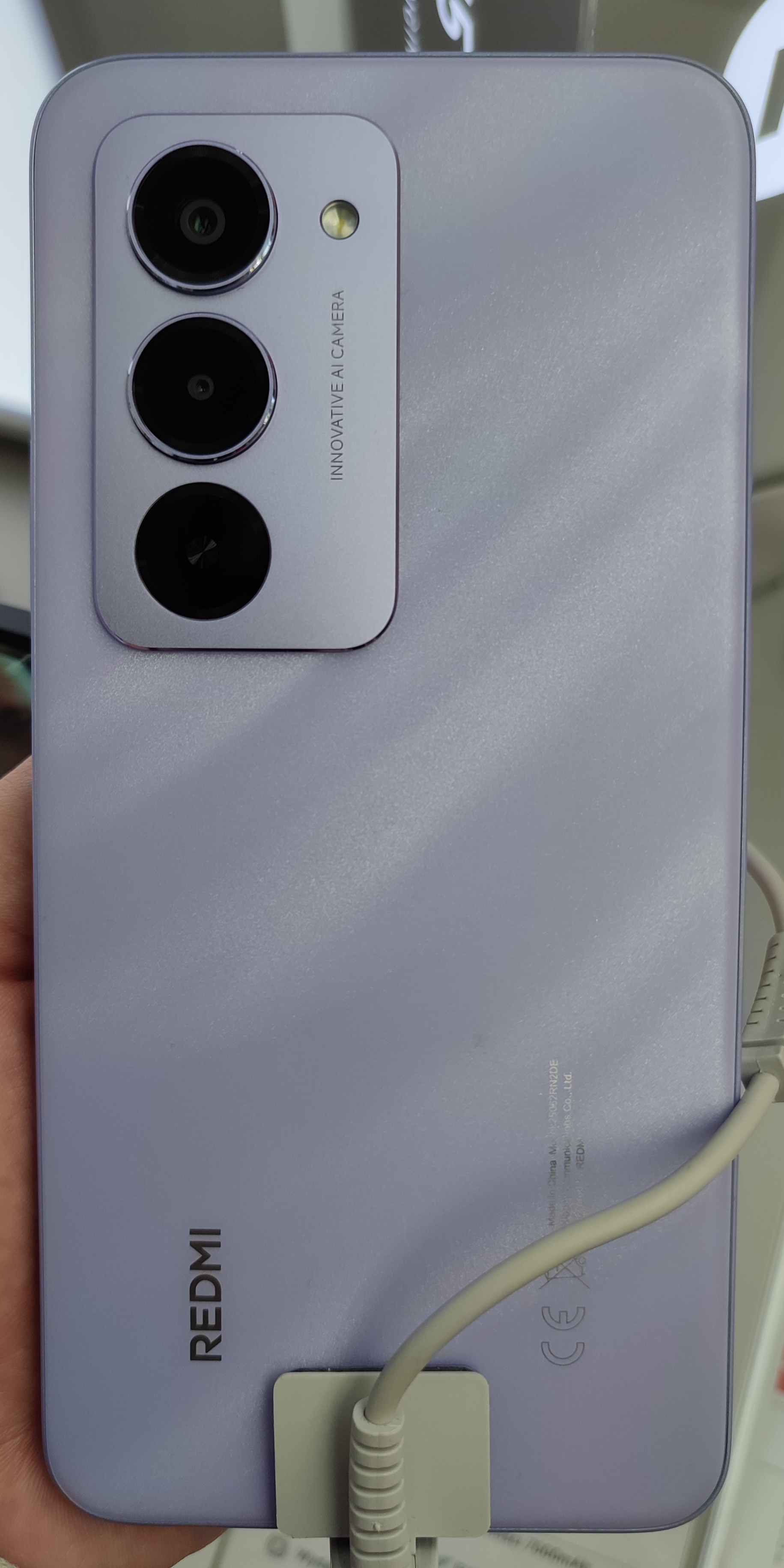
Which Redmi 15 models does this cover?
The official global pages for the Redmi 15 and Redmi 15 5G both advertise reverse charging. Check the full name on your handset before applying that information: this article does not establish support for the Redmi 15C or the Redmi Note 15 range.
The two covered phones have separate specifications, even though this feature is shared. When buying a cable or asking for support, give the seller or support agent your exact model, sales region and software version.
18W output is different from 33W charging
The 33W figure describes charging the Redmi itself. The reverse-charging claim describes power going out to another device, with a stated maximum of 18W. Neither number means the receiving phone will always charge at that rate.
Xiaomi qualifies the reverse-charging feature with device compatibility and battery-condition limits, based on its internal tests. Treat 18W as an upper limit, not a measured result for your particular pair of devices. This guide is based on the published documentation; we have not tested charging speeds.
Why a wireless charging pad or back-to-back placement will not work
Xiaomi’s support FAQs say that both the Redmi 15 and Redmi 15 5G lack wireless charging and reverse wireless charging. The word “reverse” on its own does not mean wireless power sharing.
Use a suitable wired connection for the receiving device. A phone that charges wirelessly can only benefit here through a compatible wired charging input; the Redmi does not provide a wireless charging surface.
Check these things before relying on it
Use this as a practical compatibility check rather than assuming every USB device will charge:
1. Leave enough charge in the Redmi for your own needs. Xiaomi specifically advises having sufficient battery before sharing power. A top-up for another device spends energy you might need for calls or navigation.
2. Check the receiving device’s charging requirements and use an appropriate, undamaged cable. A matching connector alone is not a promise of full-speed charging or compatibility.
3. After connecting, look for the charging indicator on the device you intended to charge. If it does not appear, or power flows in the wrong direction, disconnect and consult the instructions for both devices rather than assuming a fault or installing a charging app.
4. Disconnect when the top-up is no longer needed. If sharing power is essential for a trip, test your actual combination beforehand and keep a separate charger or power bank as a backup.
What to do if the other device does not charge
Check that the receiving device charges normally from its usual charger, then inspect the cable and confirm compatibility with the exact Redmi model. These are general troubleshooting checks, not a device-specific software fix.
The cited product descriptions do not provide a universal activation path or a complete list of compatible receiving devices. Menu wording and behaviour can depend on software. If your combination still fails, give Xiaomi support the model names, software version, cable details and observed charging indicators.
For everyday power saving on the phone itself, see how to improve battery life on your Redmi. Reverse charging is most useful when you can spare battery for a temporary top-up.
Sources and further reading
- Xiaomi: Redmi 15 reverse-charging specification and limitations (opens in a new tab) Checked 11 October 2026
- Xiaomi: Redmi 15 5G reverse-charging specification and limitations (opens in a new tab) Checked 11 October 2026
- Xiaomi support: Redmi 15 charging FAQ (opens in a new tab) Checked 11 October 2026
- Xiaomi support: Redmi 15 5G charging FAQ (opens in a new tab) Checked 11 October 2026
- Featured photograph licence: CC BY-SA 4.0 (opens in a new tab) Checked 11 October 2026
Prepared with AI assistance and checked against the sources listed. Menu names and features can vary by device and software version. How we publish.