1. Record the exact phone and installed software
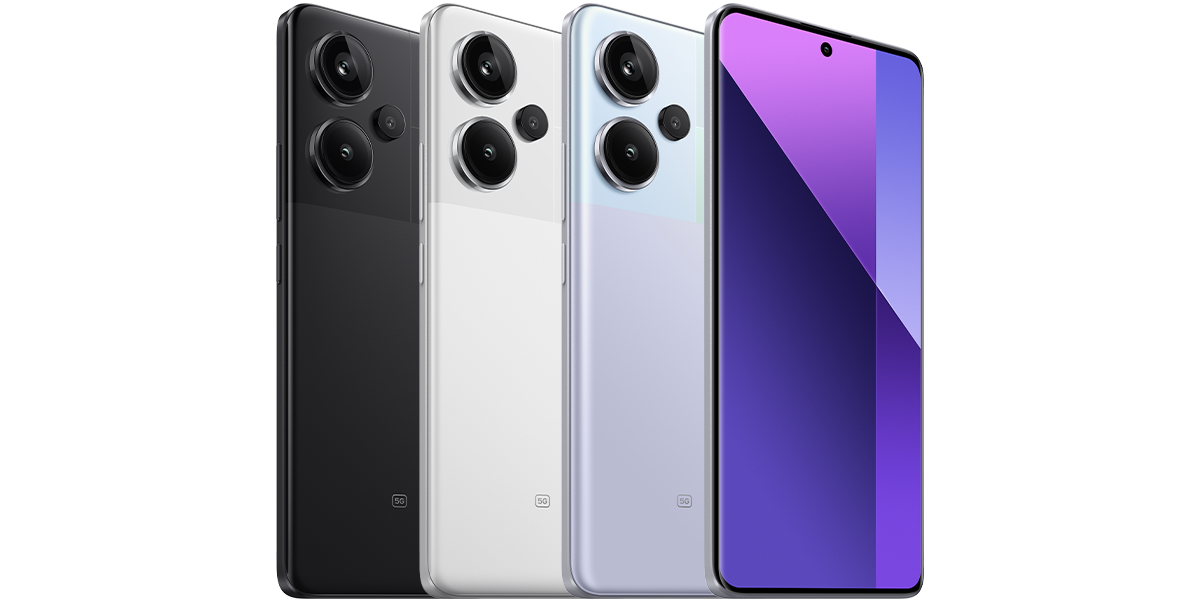
Open Settings and look under About phone. Note the full model name, including any Pro, Pro+ or 5G suffix, and the complete installed software version. Keep the country of purchase alongside those details, especially for an imported phone. Share these with support rather than just saying “Redmi Note”.
For an example of why the suffix matters, see our guide to identifying Redmi Note 14 4G and 5G variants. A similarly named phone’s announcement is not enough to establish eligibility for yours.
2. Separate the version numbers and dates
Google’s Android help identifies separate entries for the Android version, Android security update, Google Play system update and build number. Menu locations vary, so use Settings search if the information is not together on your Redmi.
Record the Android version and security patch date as well as the Xiaomi software version. These fields answer different questions: which software is installed, which security update it includes, and what the device reports for Google Play system updates. A HyperOS announcement alone does not establish all of them for your phone.
3. Check what your own phone offers
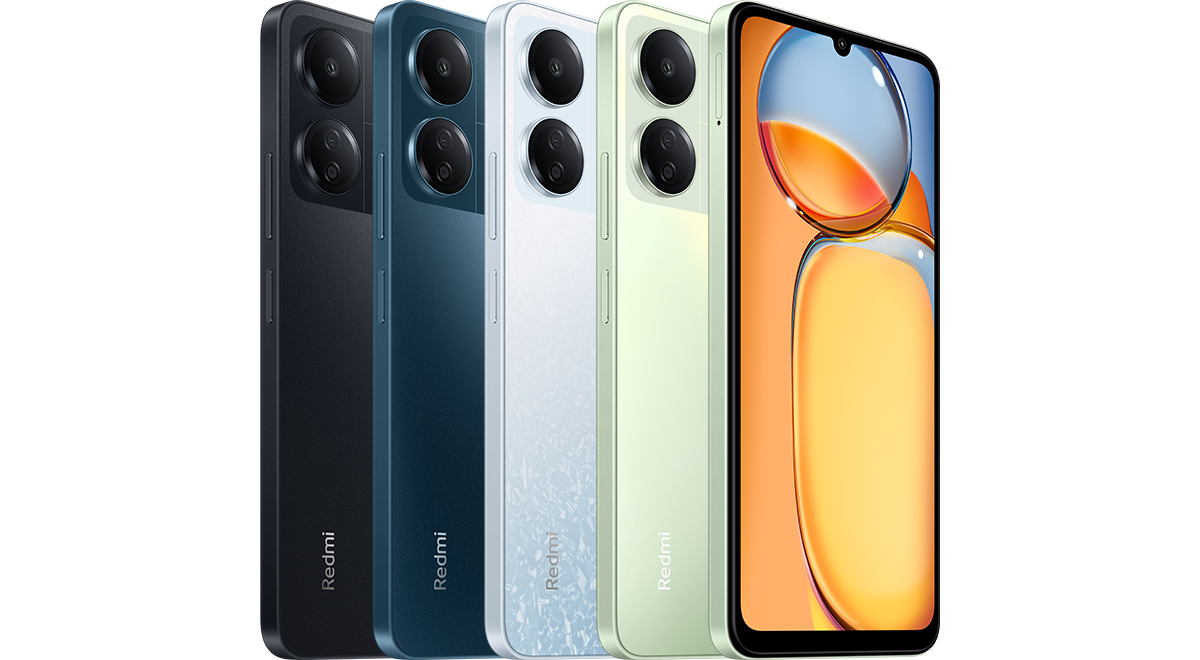
On a Redmi 13C running the interface documented in Xiaomi’s support guide, open Settings, choose About phone, tap Xiaomi HyperOS, then select Check for updates. This is a manual check through the built-in updater; it does not mean downloading firmware from another website.
Read the result and any installation instructions. Before installing, connect to reliable Wi-Fi and charge the phone sufficiently; Xiaomi’s Redmi 13C instructions recommend at least 50%. Allow the download and installation to finish without interruption. Other models or older MIUI software can have different menu labels.
After installation completes, return to the software information and confirm the installed version. If nothing is offered, continue with the rollout and support checks below.
4. Match the announcement to your model and market
Use Xiaomi’s official HyperOS page, linked in Sources, and read the dated release schedule and its footnotes. Check the full model name, intended market and release window. The page checked for this guide describes global versions sold outside mainland China; do not apply that scope to a Chinese-market handset.
Xiaomi’s FAQ for the Redmi Note 13 Pro+ 5G explains that updates arrive in batches and that regional differences can delay availability. A supported model appearing in an announcement therefore does not mean every unit receives the update that day.
Check the announcement’s dates before treating it as new. Xiaomi says its model list and schedule may change. If a published window has passed and your phone still has no update, ask Xiaomi support to check your exact model, full software version and purchase region; avoid treating another owner’s screenshot as a delivery promise.
5. Check security support separately
In Xiaomi Security Center, open the smartphone Support Policy and look for your exact model in the EOL Product List. EOL means end of life: Xiaomi says listed products no longer receive maintained software or firmware updates, including security updates. It reserves the possibility of an exceptional fix for a very serious vulnerability; that is not a promise of continuing support.
The same policy links to Product Software Support Information for some products. Where your model is listed, check its Security Update EOL Date. A security-support date is not confirmation of another major HyperOS or Android upgrade. If the model is missing or ambiguous, ask Xiaomi for clarification rather than calculating an end date from the phone’s age.
If the result is still unclear
Keep a screenshot of the updater result and the relevant official announcement. Send support the model, software version, security patch date and country of purchase, with personal identifiers hidden. Ask whether the issue is a regional rollout delay, a download failure or the end of support: those require different answers.
For the rest of your first-day checks, our Redmi setup guide covers screen locks, permissions and verifying your backup. This article explains how to interpret official update information; it is not a hands-on test or a guarantee of a future release for any model.
Sources and further reading
- Xiaomi: Redmi 13C built-in update check and installation precautions (opens in a new tab) Checked 12 October 2026
- Xiaomi: Redmi Note 13 Pro+ 5G update batches and regional availability (opens in a new tab) Checked 12 October 2026
- Xiaomi HyperOS: model schedule, regional scope and rollout footnotes (opens in a new tab) Checked 12 October 2026
- Xiaomi Security Center: smartphone support policy and EOL list (opens in a new tab) Checked 12 October 2026
- Xiaomi Security Center: Product Software Support Information (opens in a new tab) Checked 12 October 2026
- Google Android Help: version, security update and Google Play system information (opens in a new tab) Checked 12 October 2026
Prepared with AI assistance and checked against the sources listed. Menu names and features can vary by device and software version. How we publish.