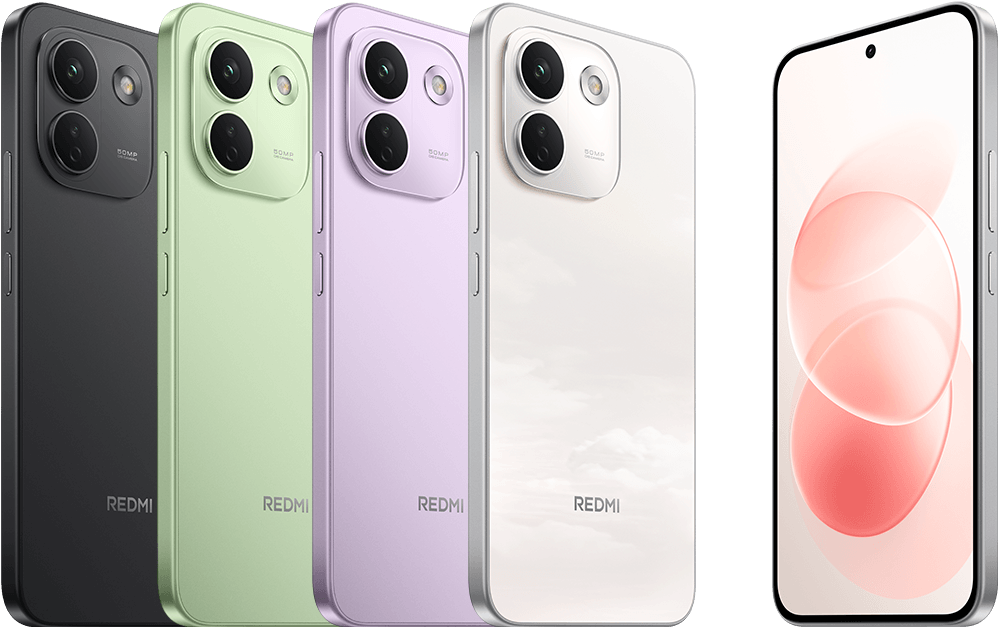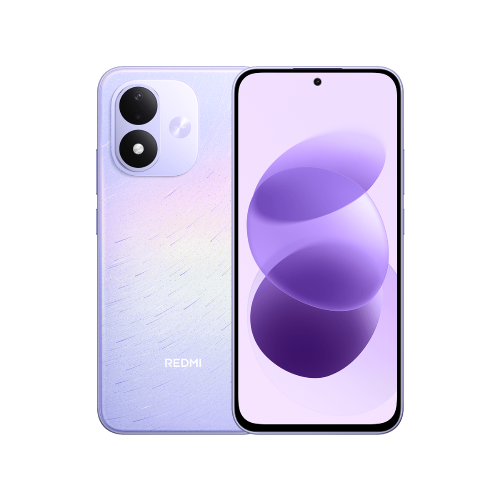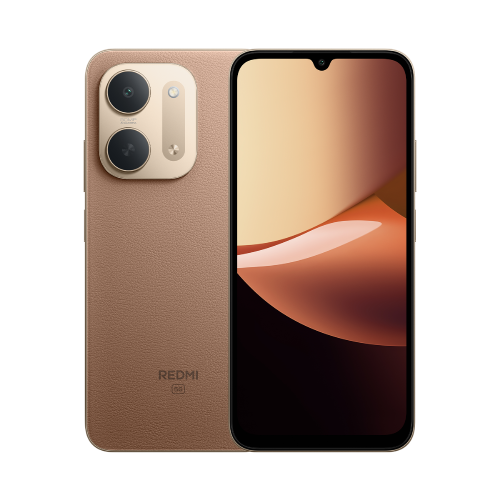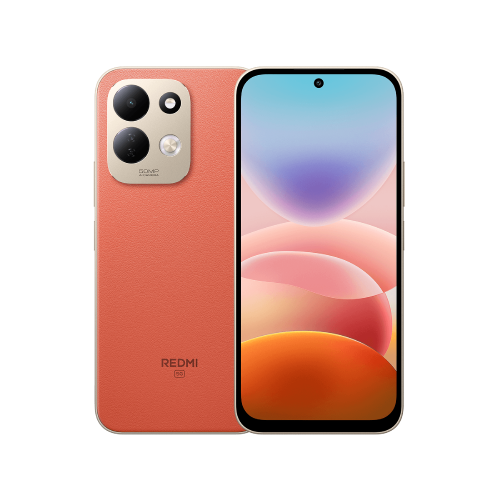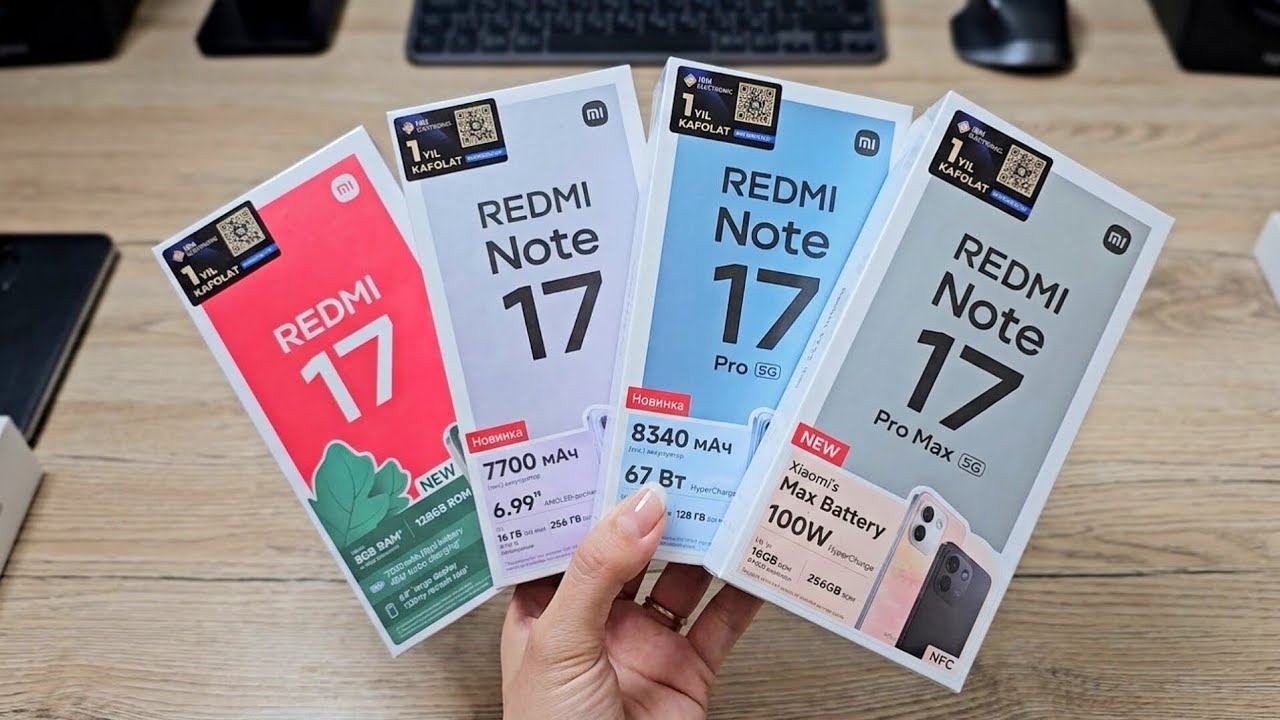
1. Start with updates
Connect to a reliable Wi-Fi network and search Settings for update. Check for available system updates, then update the apps you use through the app store on your phone. Follow the on-screen instructions and allow time for any restart.
Avoid following a guide for a different model when it asks you to download system software manually. For routine setup, use the update route built into your own device.
2. Protect the essentials
Choose a screen lock you can remember without making it easy for someone else to guess. Review the recovery options for the accounts you add, and check which apps can access your camera, microphone and location.
Give each app only the access needed for the features you use. If a permission request seems unrelated to the task, pause and check the app's purpose before allowing it.
3. Verify your backup before clearing the old phone
Choose a backup service available on your device and check exactly what it includes. Photos, contacts, files and individual apps can use different backup or transfer methods; a completed system backup does not necessarily mean every app's data is included.
Open a few transferred photos and files, check your contacts and sign in to the important apps on the new phone. Keep a separate copy of irreplaceable files. Only erase the old device once you are satisfied that the information you need is available elsewhere.
If your menus look different
Use the search field in Settings rather than relying on one fixed menu path. Search for backup, permissions or update. If the option is still missing, consult Xiaomi support for your exact model and software version.
Sources and further reading
- Xiaomi: backing up items (opens in a new tab) Checked 6 October 2026
- Xiaomi: system privacy settings (opens in a new tab) Checked 6 October 2026
Prepared with AI assistance and checked against the sources listed. Menu names and features can vary by device and software version. How we publish.