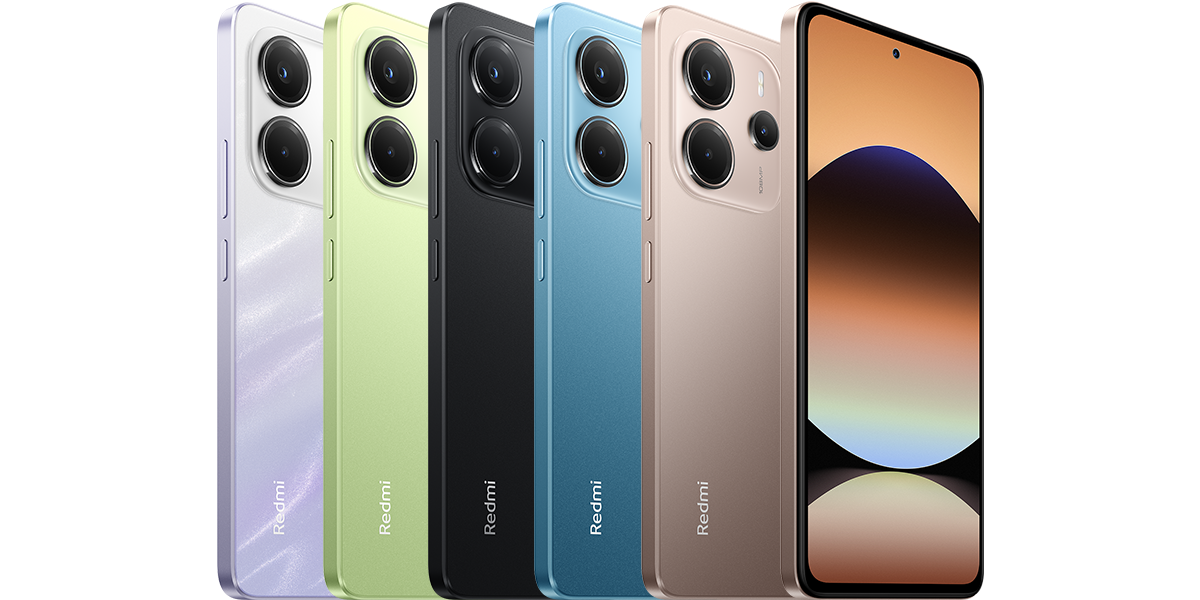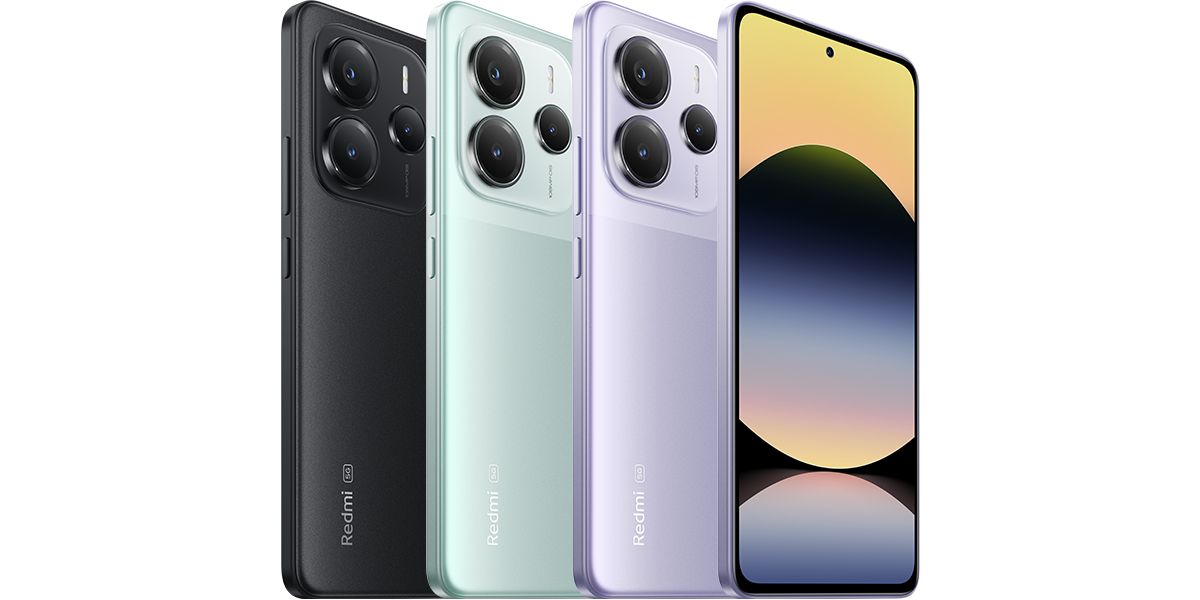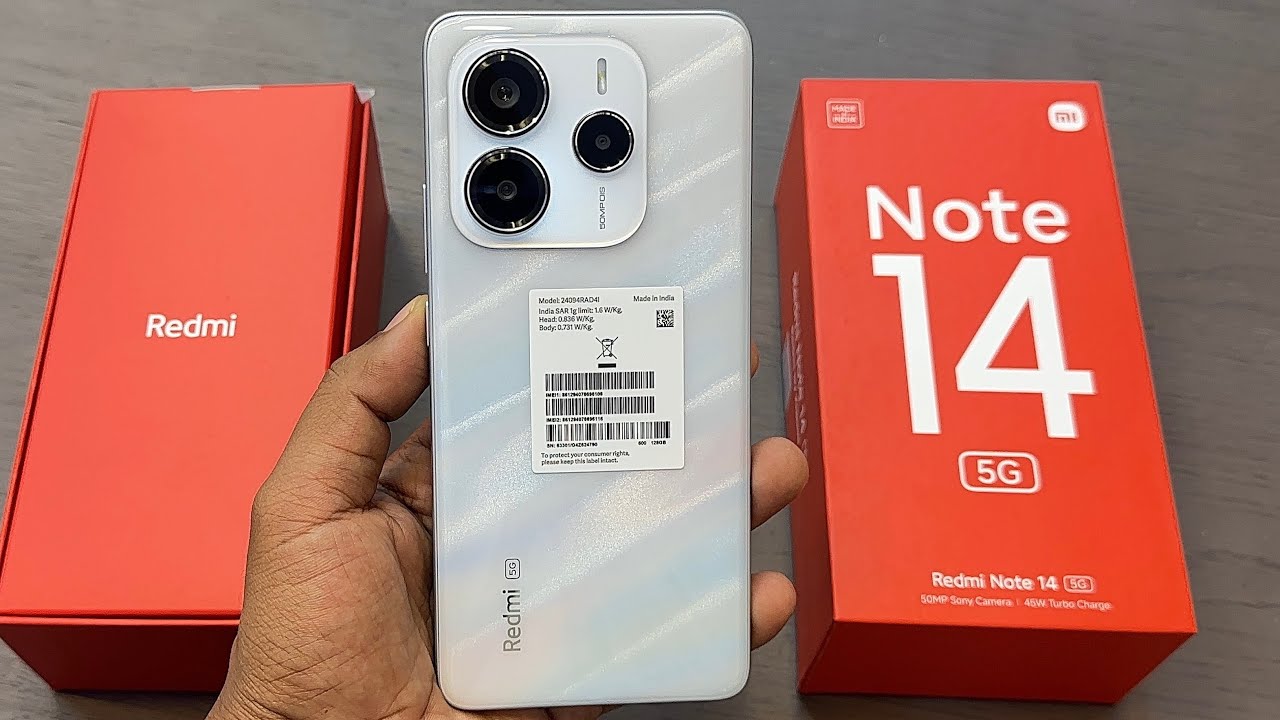
The tray gives you a choice
The global Redmi Note 14 4G and Redmi Note 14 5G each have one dedicated SIM position and a second position for either a SIM or a microSD card. There isn't a third slot hiding somewhere.
That leaves you with two possible setups:
- Two SIM cards, with no microSD card.
- One SIM card and one microSD card.
How much extra storage can you add?
Both global models list support for microSD cards up to 1TB. Check card compatibility before buying, because support can vary with the card manufacturer and the exact regional phone.
The tray arrangement here applies to the standard Note 14 4G and 5G. I wouldn't carry it over to a Pro or Pro+ just because the names are similar.
Here's how I'd decide
If two active SIMs are essential, choose enough built-in storage for your photos, videos and apps from the start. On these models, a memory card won't be your escape route while both SIM positions are occupied.
If you only need one SIM, microSD gives you another way to keep files on the phone. Think about which matters more in your everyday use before choosing the internal storage version.
Check the full name before you order
Ask for the exact model and sales region, then compare the tray information with that version's specification. My guide to telling the Redmi Note 14 4G and 5G apart walks through the details worth checking.
If the tray in front of you doesn't match the instructions, stop and check the model again. Don't force a card into a space that doesn't look right.
Useful links
- Xiaomi: Redmi Note 14 global specifications (opens in a new tab) Checked 7 October 2026
- Xiaomi: Redmi Note 14 5G global specifications (opens in a new tab) Checked 7 October 2026
- Xiaomi Malaysia: Redmi Note 14 card-slot explanation (opens in a new tab) Checked 7 October 2026
Written with AI assistance for Redmi fans. How this blog is put together.