Read the RAM figure before comparing phones
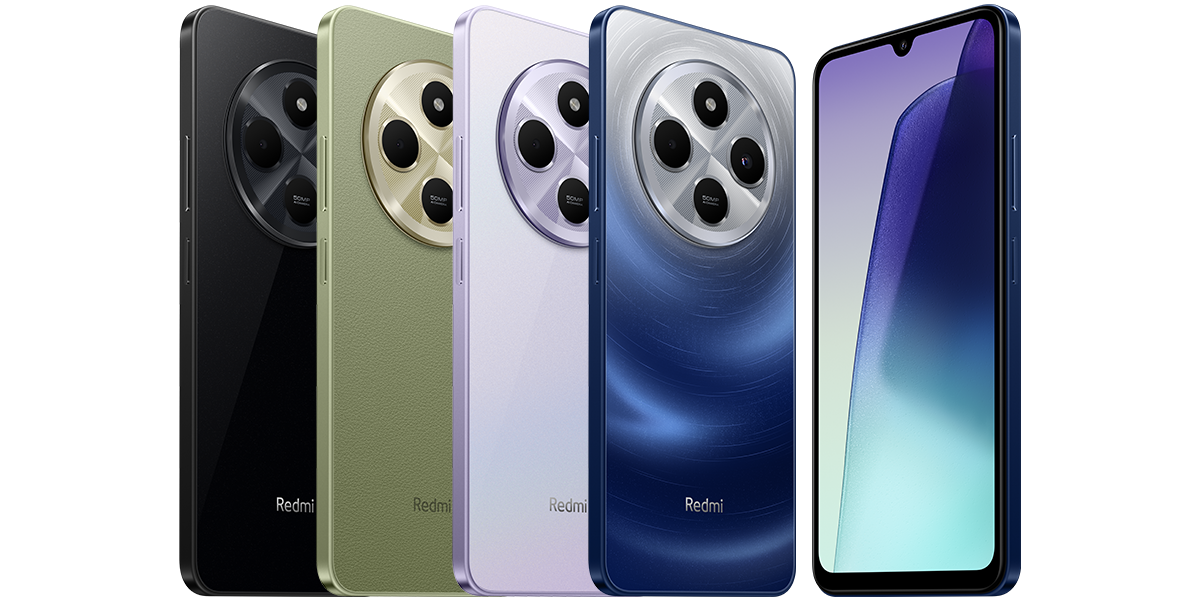
Xiaomi’s Sri Lankan specification sheet lists 4GB, 6GB and 8GB RAM configurations and says availability differs by region. Its 16GB extension figure is based on the 8GB version. Do not apply that maximum to a different configuration or to the separately named Redmi 14C 5G.
For a buying comparison, ask for the physical RAM amount and internal storage capacity separately, then check whether an advertised total includes memory extension. A combined figure is not a like-for-like comparison with physical RAM alone.
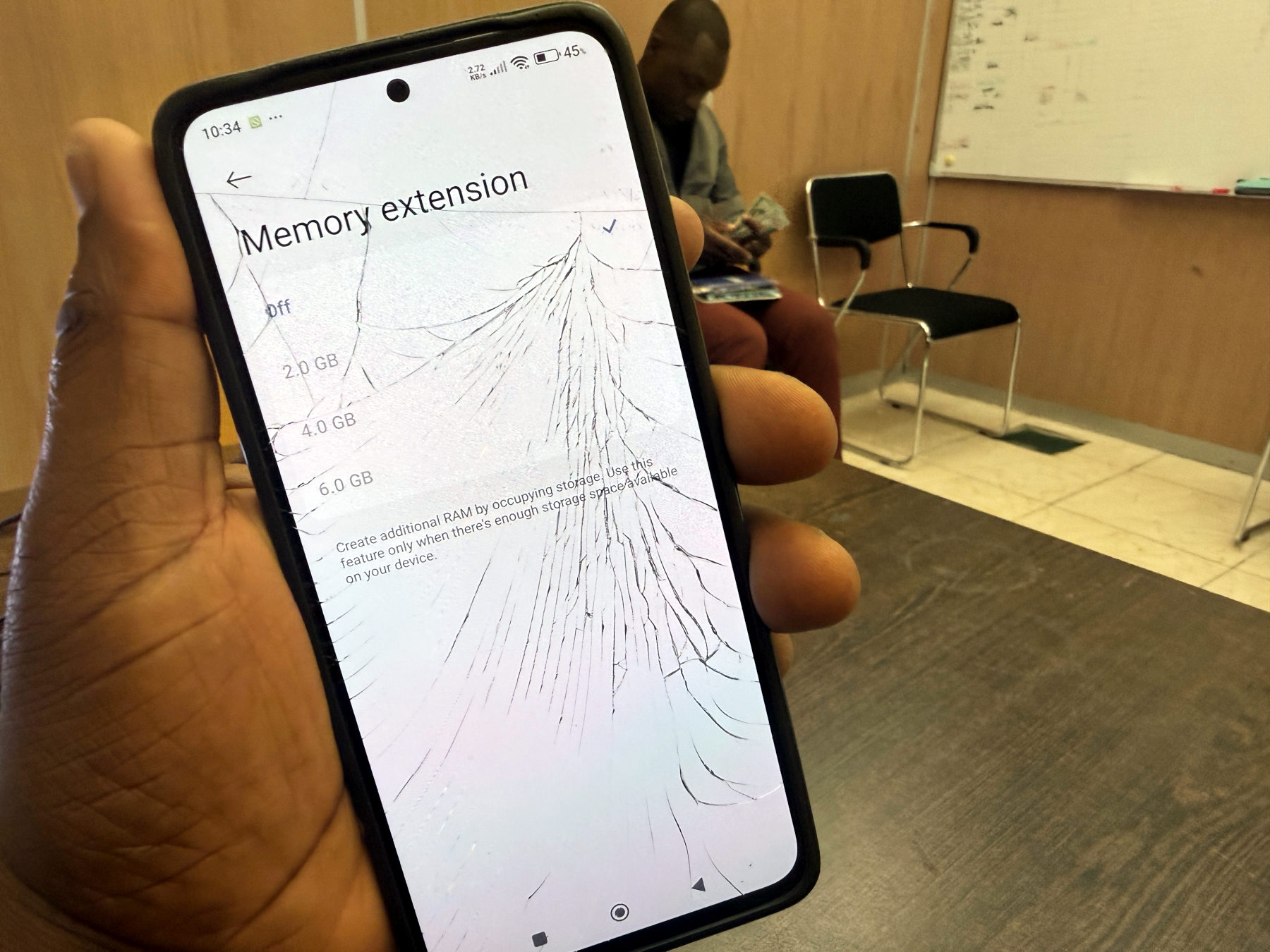
Enable memory extension on the Redmi 14C
Save anything you are working on before restarting. Xiaomi documents the following route; available choices and wording can vary with the installed software.
- 1. Open Settings, then Additional settings.
- 2. Open Memory extension.
- 3. Choose one of the options your phone offers.
- 4. Tap Reboot to apply the change.
- 5. After restarting, return to the same menu and check the selected option.
If you cannot find that menu
Xiaomi also documents a second route: Settings, About phone, Storage, System files, then Memory extension. Select an available option and restart when prompted.
If neither route appears, confirm the exact model and software version before following instructions for another Redmi. Do not install an unfamiliar app simply because it promises to add RAM. This guide covers the documented Redmi 14C setting, not every HyperOS phone.
Leave enough storage available
Xiaomi says extension requires sufficient free storage and occupies a corresponding amount of internal storage. It is therefore not a way to create extra room for photos or downloads. The specification does not give one universal free-space threshold for every configuration.
If storage is already tight, review files you recognise and back up anything important before removing it. Do not delete system files to make room for this setting. Choose from the options actually shown on your phone instead of copying another owner’s capacity.
Judge the result by your normal use
A larger displayed total is not a performance test. This article has not measured game frame rates or app-switching speed and does not promise an improvement from enabling extension.
For a practical comparison, note your original setting and try the same everyday apps after the restart. If you see no useful difference, there is no reason to chase the largest number. Return to the same menu to review the available choices, following any restart prompt when changing them.
Sources and further reading
- Xiaomi: Redmi 14C memory extension setup (opens in a new tab) Checked 9 October 2026
- Xiaomi Sri Lanka: Redmi 14C RAM and storage specifications (opens in a new tab) Checked 9 October 2026
Prepared with AI assistance and checked against the sources listed. Menu names and features can vary by device and software version. How we publish.