Check the model before looking for the feature
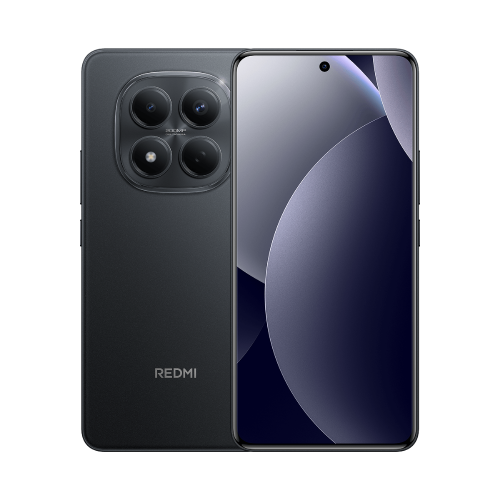
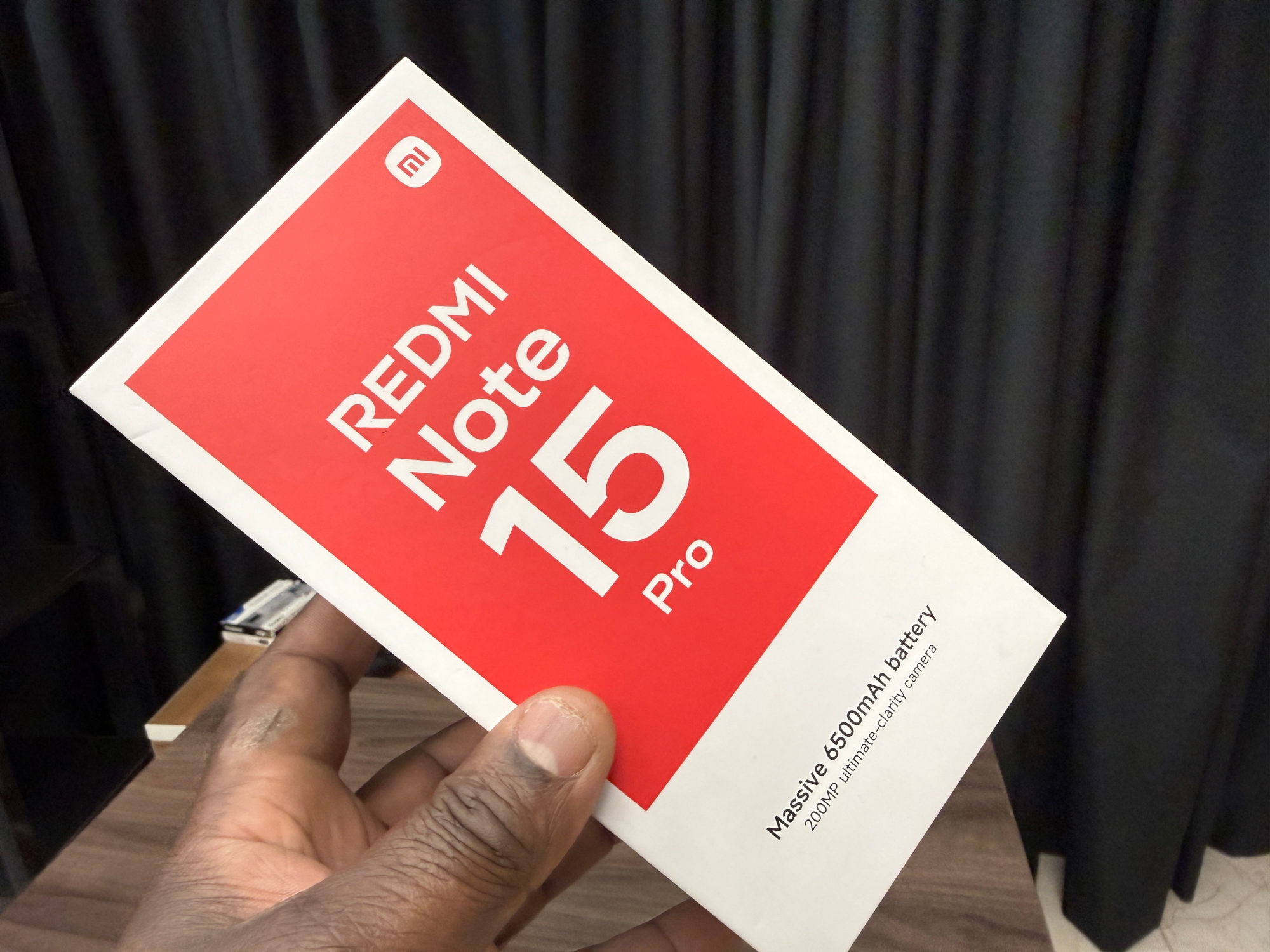
This guide covers the Redmi Note 15 Pro 4G using Xiaomi's UK support FAQ. It isn't a promise for every Redmi or every regional software build. Check the complete model name and your local Xiaomi information if the option is missing.
For me, the appeal is keeping my place while satisfying a little curiosity. Google gives examples such as looking up an unfamiliar phrase or identifying an interesting building in a video. I'd use the results as leads and open the useful pages, rather than assume the first visual match settles the answer.
Start with the button or gesture handle
1. Bring the text or image you want to investigate onto the screen.
2. Touch and hold Home if you use three-button navigation, or the navigation handle if you use gestures. Google's search bar and a coloured glow should appear.
3. Circle, highlight, scribble over or tap the part you want to search. Results appear in the lower part of the screen.
4. Adjust the selection by dragging its border if necessary. Expand the results area to read more.
5. When finished, use Back, swipe down or tap the X at the top left to return to the original app.
I'd begin by selecting one clear item rather than a busy screenful. If the matches look unrelated, narrowing the selection is a sensible next check before changing phone settings.
If screen search is unavailable
Google's current troubleshooting guidance says Google should be the default digital assistant, with Use screen and app data enabled. It also recommends updating the Google app through the Play Store. Check your digital-assistant settings against that guidance; labels can differ between software versions.
I'd read the permission description before enabling screen access, then retry on an ordinary public page. Google notes that Circle to Search may not work in banking, medical and other confidential apps. Failure in one of those apps isn't a good test of whether the feature works generally.
If it still won't start, I'd note the exact error, phone model, sales region and software version for Xiaomi support. That is more useful than repeatedly following a menu path written for a different phone.
Useful links
- Xiaomi UK: Redmi Note 15 Pro FAQ, Circle to Search support and availability caveat (opens in a new tab) Checked 17 October 2026
- Google Android Help: current Circle to Search controls and troubleshooting (opens in a new tab) Checked 17 October 2026
- Google: examples of looking up words and identifying objects with Circle to Search (opens in a new tab) Checked 17 October 2026
Written with AI assistance for Redmi fans. How this blog is put together.