Check the box for your market
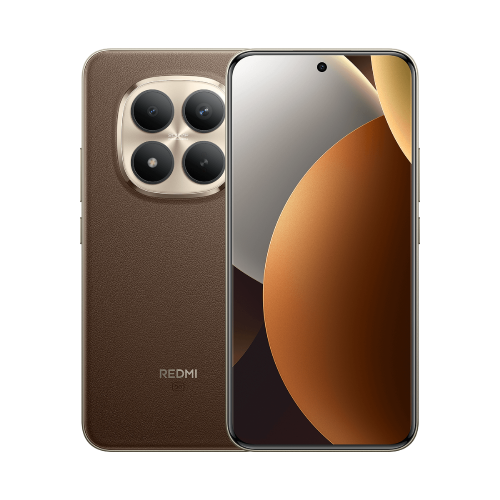
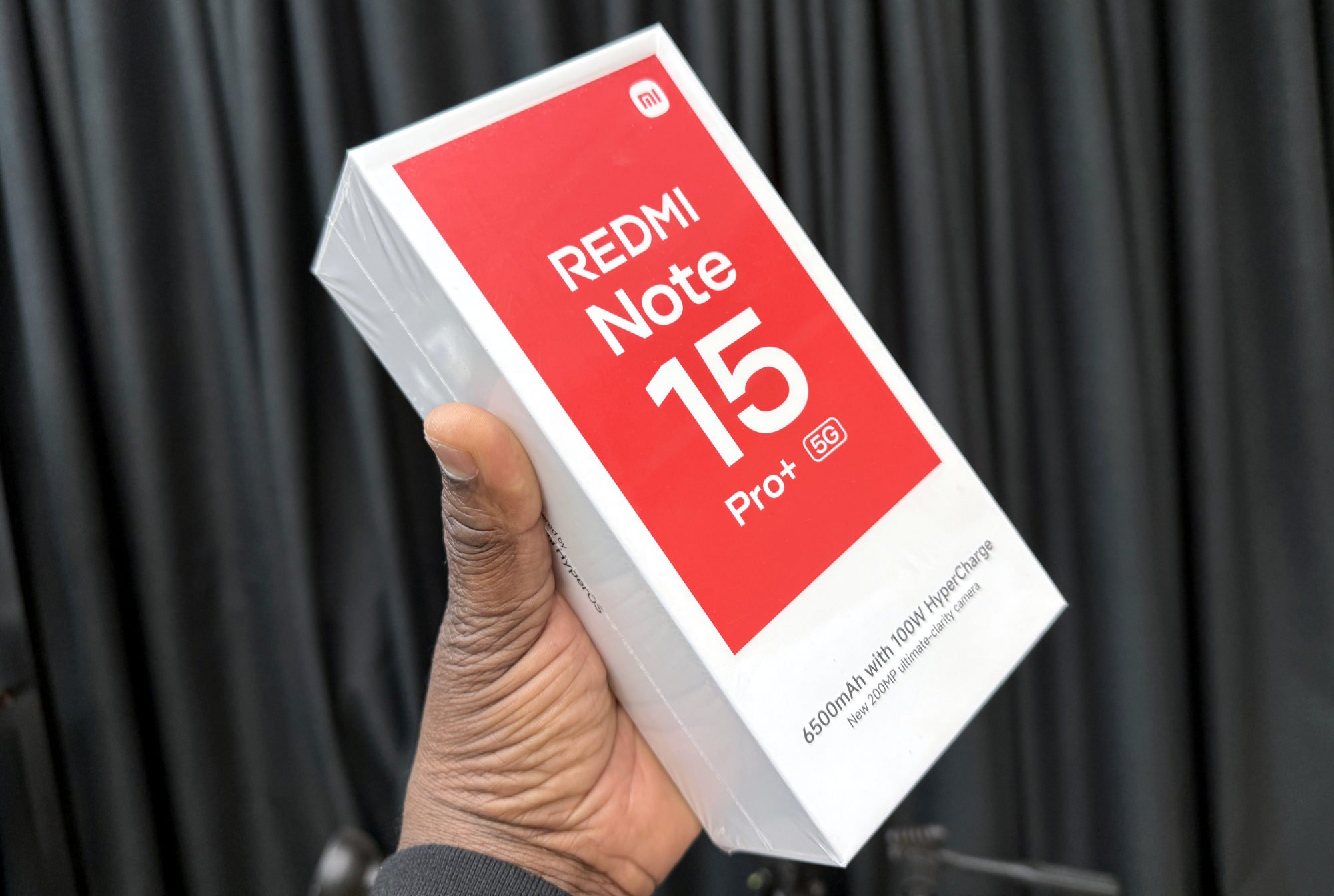
This is the Redmi Note 15 Pro+ 5G, with a listed 6500mAh battery and up to 100W wired charging. Don't apply its charging details to another Note 15 just because the names sound close.
Xiaomi's global specification lists a 100W adapter in the box, with package contents varying by region. The UK specification says no power adapter is included. I'd ask the seller to confirm the contents of the actual local package before paying.
Choose the adapter and cable together
For the UK model, Xiaomi recommends a 100W PD adapter or its official 120W adapter. Using that 120W adapter doesn't turn this into a 120W phone: the handset's advertised limit remains 100W.
A compatible cable matters as well. The phone supports PD and PPS, but that doesn't mean every charger with one of those labels supplies the same power to it. Check the exact adapter and cable combination rather than judging by the biggest wattage printed on the box.
There's no wireless charging on this model. If you want its supported fast charging, you're looking at a wired setup.
What about the 40-minute claim?
Xiaomi advertises a 40-minute charging result under its lab conditions: boost mode, the supplied 100W charger, a 25°C environment and the screen off. I'd treat that as Xiaomi's test result rather than a stopwatch promise for every room, battery level and charger.
Charging power adapts to the battery and conditions, so 100W doesn't mean a steady 100W all the way to full. Xiaomi's information used here doesn't establish one universal boost-mode menu path, either. Follow the instructions on your software instead of hunting for a setting shown on a different model.
Here's what I'd check if charging feels slow
Try to make the comparison fair before deciding something is wrong:
- 1. Check the adapter and cable are suitable for this phone. A computer USB connection isn't the same charging setup.
- 2. Check both connections are secure and the cable is undamaged. Don't charge the phone while it's wet.
- 3. Pause demanding games or video, turn the screen off and compare from a similar starting battery level in similar conditions.
- 4. Note the starting percentage, ending percentage and elapsed time. A charging symbol confirms a connection, not a constant 100W rate.
When to ask for help
If charging repeatedly disconnects or the result still seems wrong with a suitable adapter and cable, contact support. Include the exact model and region, software version, adapter and cable details, plus the timings you noted. That's much more useful than comparing only with a headline figure.
If it charges normally but runs down too quickly afterwards, I'd switch focus to what is using your Redmi’s battery. Charging speed and battery drain are different problems.
Useful links
- Xiaomi Global: Redmi Note 15 Pro+ 5G specifications and regional box-content caveat (opens in a new tab) Checked 13 October 2026
- Xiaomi UK: charger recommendations and adapter excluded from the box (opens in a new tab) Checked 13 October 2026
- Xiaomi Global: 40-minute charging claim, test conditions and wet-device warning (opens in a new tab) Checked 13 October 2026
- Xiaomi UK support: Note 15 Pro+ 5G charging power, protocols and wireless-charging limits (opens in a new tab) Checked 13 October 2026
- Xiaomi support: general checks for long charging time or slow charging (opens in a new tab) Checked 13 October 2026
Written with AI assistance for Redmi fans. How this blog is put together.