Check the exact model first
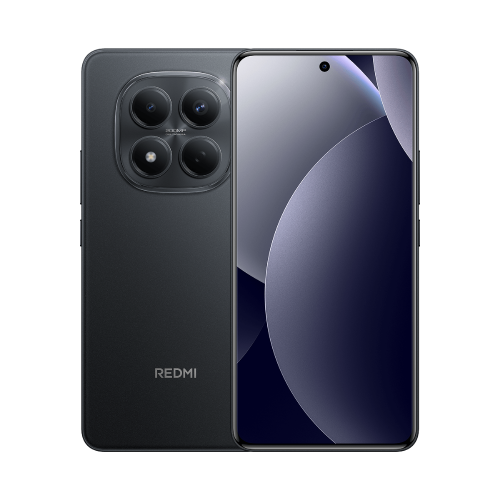
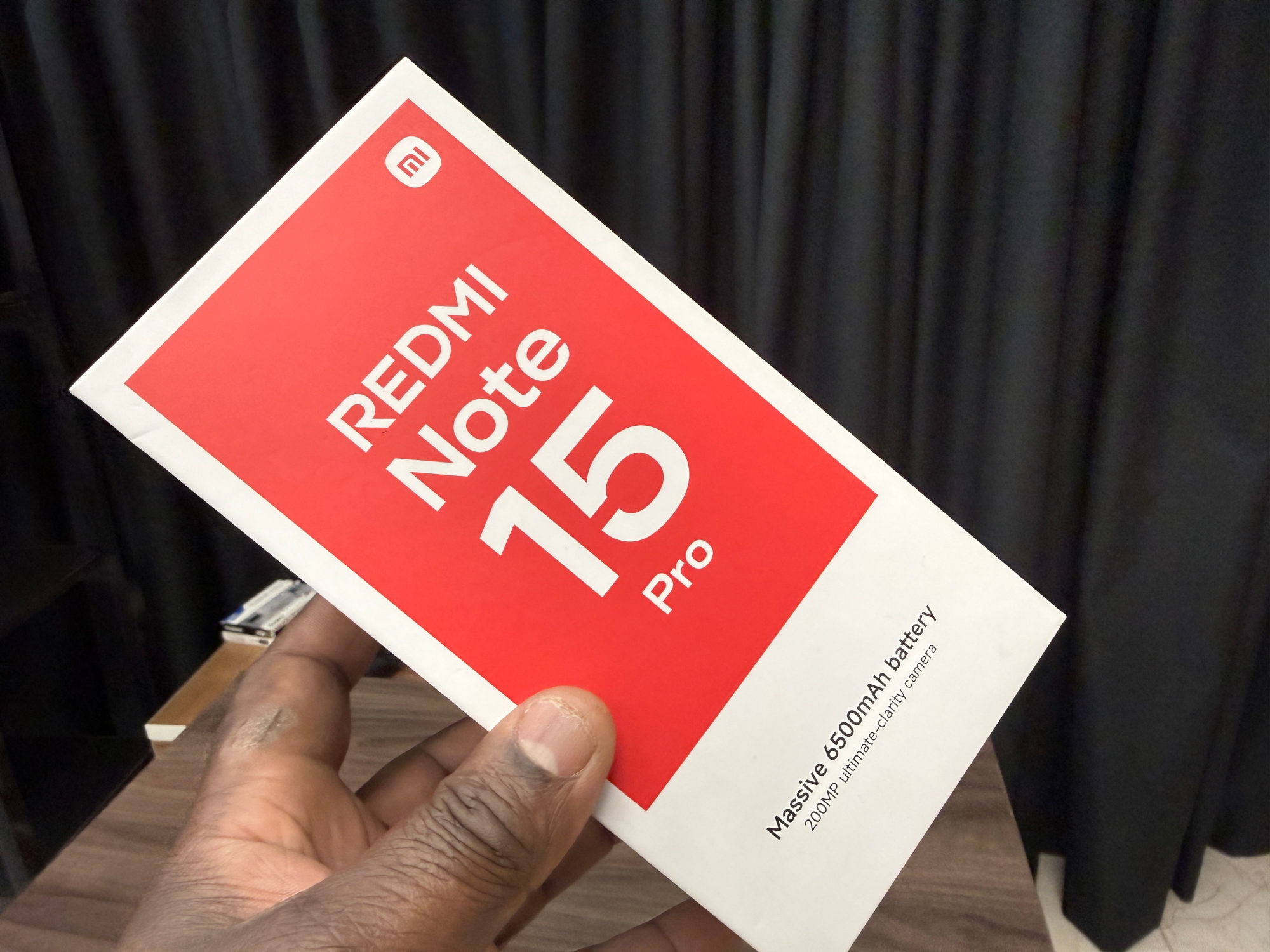
This answer covers the Redmi Note 15 Pro with the Helio G200-Ultra processor. It is not a blanket answer for every Note 15 model. My 4G versus 5G comparison helps identify the variants.
Xiaomi lists a Type-C USB 2.0 port and OTG support, but explicitly lists no DisplayPort Alt Mode. I would use that specific answer rather than infer video support from the connector shape or USB version.
Why a cable that fits can still show no picture
DisplayPort Alt Mode is the feature that carries DisplayPort video through a compatible USB-C connection. VESA explains that adapters can then connect it to inputs such as HDMI or DisplayPort. The video source needs to support the feature too.
A monitor showing no signal is therefore an expected limitation when this phone is paired with an adapter requiring DisplayPort Alt Mode. VESA says a display receives no video when connected to a Type-C port without that support.
A charging indicator is not a useful test of video compatibility. I'd read the adapter's requirements, not treat a powered phone as proof that the display connection should work.
Before buying or returning an adapter
1. Confirm the exact phone model, then find the adapter or dock's official compatibility requirements. Look specifically for DisplayPort Alt Mode, DP Alt Mode or a stated video-source requirement.
2. If it needs that feature, stop there for this Redmi Note 15 Pro. I wouldn't buy a more expensive version of the same kind of adapter hoping it will add the missing phone capability.
3. If a seller claims a different method, ask for explicit support for your exact phone and software, along with any app requirements and limitations. This guide does not verify alternative USB graphics products or wireless display compatibility.
If you already own the adapter, keep its model number and packaging while checking the return terms. I'd describe the mismatch accurately: the phone lacks the required DisplayPort Alt Mode, rather than declaring the monitor or cable faulty.
USB-C still serves other tasks. For a separate audio question, see my Redmi Note 15 Pro wired-headphone guide; headphone support does not establish monitor support.
Useful links
- Xiaomi global: Redmi Note 15 Pro FAQ, Ports questions 1, 2 and 4 (opens in a new tab) Checked 23 October 2026
- VESA DisplayPort FAQ: DisplayPort over USB-C and unsupported ports (opens in a new tab) Checked 23 October 2026
Written with AI assistance for Redmi fans. How this blog is put together.