Use the exact phone’s support list
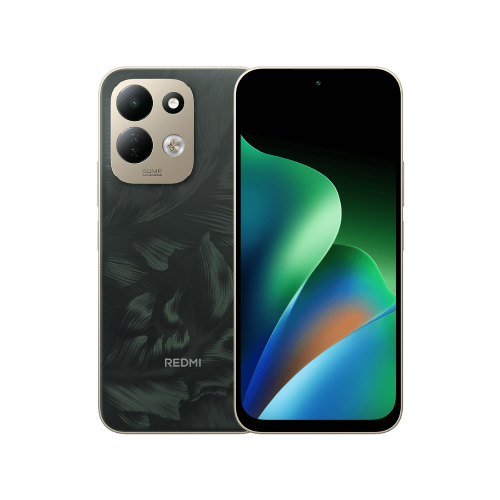
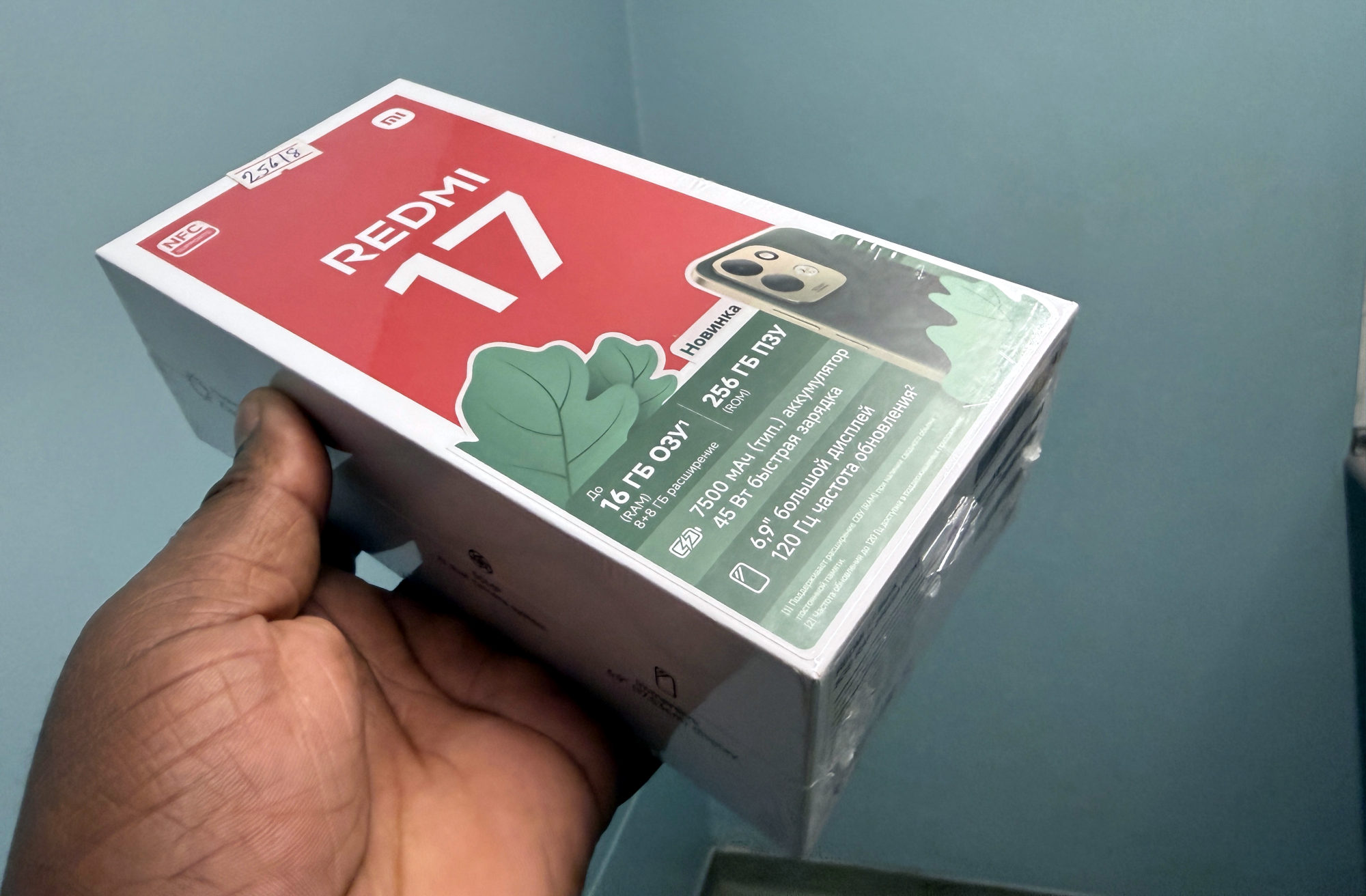
This guide covers the Redmi 17 documented in Xiaomi's global FAQ, not the Redmi 17 5G or Redmi Note family. Confirm the complete model name before applying its audio specifications.
The same FAQ lists Bluetooth 5.4, but also says the phone does not support LE Audio, LC3 or LHDC. That combination is a useful reminder to check the named audio feature separately from the Bluetooth version.
Both ends need a shared codec
For Bluetooth music playback, a codec is the method used to encode the audio sent from the phone to the headphones. Android's A2DP documentation describes a negotiation that selects a codec supported by both the sending device and the receiving accessory.
An LDAC-capable phone therefore still needs an accessory supporting LDAC to use that codec. Likewise, an aptX logo on headphones does not add aptX support to this Redmi 17. The accessory may offer other supported codecs, so read its complete list before deciding whether it suits the phone.
Three checks I would make before paying
1. Find the exact headphone model's official specifications or manual. Compare its audio codec list with SBC, AAC and LDAC on the phone's list. A shared codec is a compatibility check, not a complete test of the product.
2. Check any conditions in the accessory's instructions for the mode you want. I'd ask the manufacturer about an unclear requirement rather than assume a headline badge tells the whole story.
3. Decide whether that particular codec is the reason for the purchase. I'd also weigh comfort, controls and the practical tasks I need. A codec list alone would not persuade me that one pair will sound better or have less delay in my own use.
Keep feature support separate from a sound fault
A working audio connection does not by itself show which codec it negotiated. If you want to check the active codec, consult Xiaomi's instructions for your software build. I wouldn't change developer settings merely to try to force an unsupported codec.
If the immediate problem is missing sound, my Redmi 17 no-sound checks cover volume and output routing. I would diagnose that symptom before replacing headphones on the strength of a codec assumption.
Useful links
Written with AI assistance for Redmi fans. How this blog is put together.