Check the output before blaming the speaker
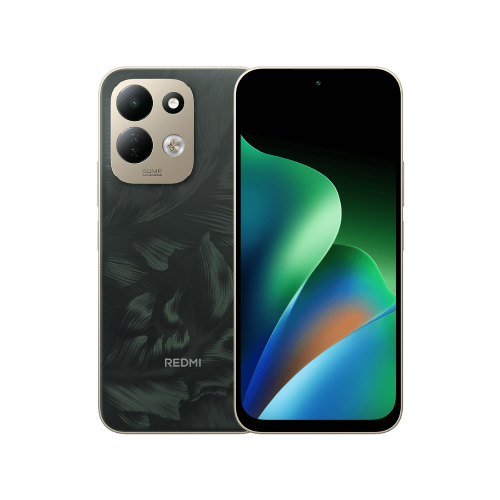
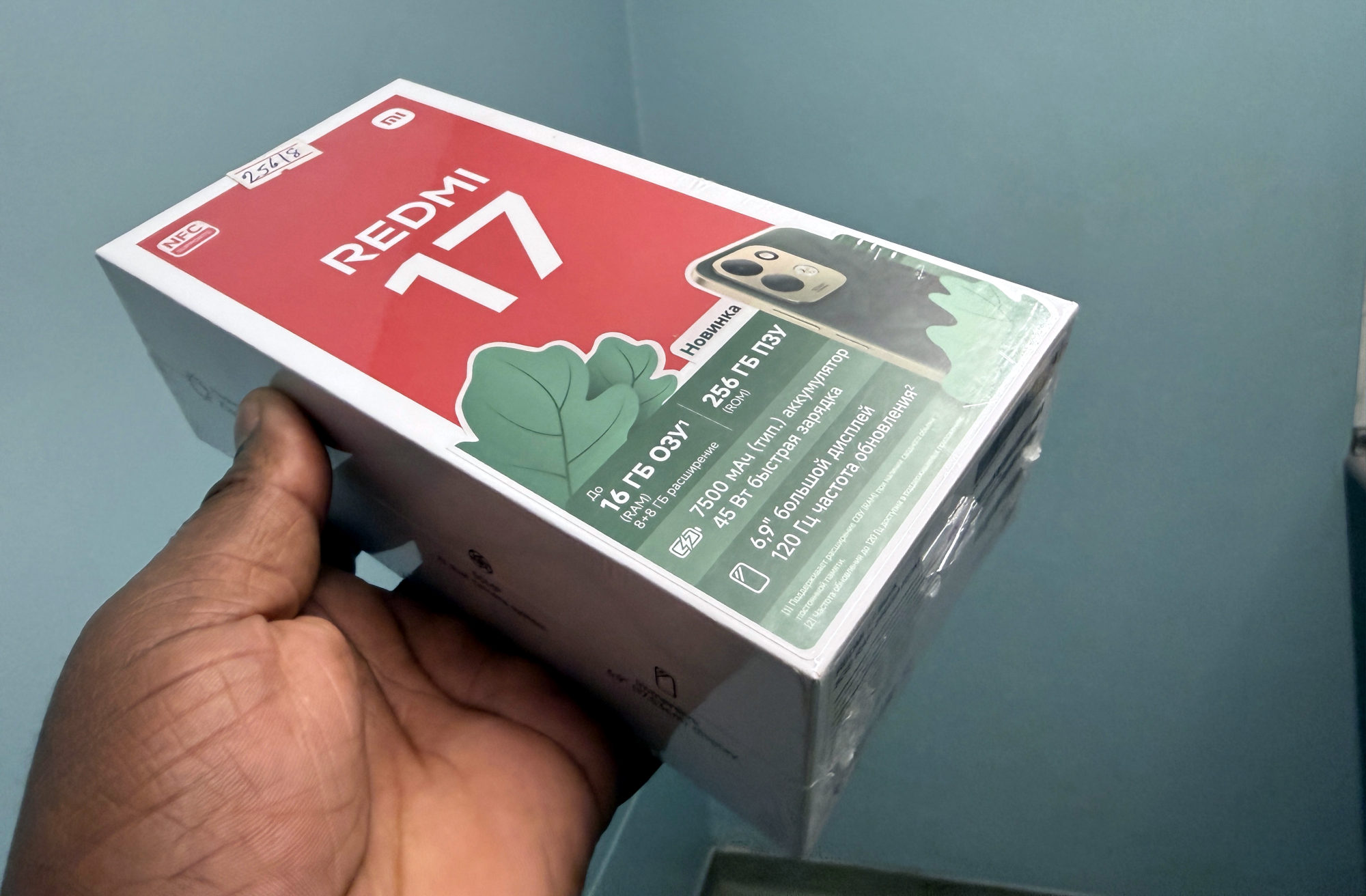
These checks apply to the Redmi 17 covered by Xiaomi's global FAQ. Use your own model's support information if you have a different variant.
1. Play something you expect to hear and check the volume with the physical volume buttons. Note what is playing, so you can repeat the same check afterwards.
2. Check whether audio is going to a connected Bluetooth device. A quiet phone beside you is a different problem from audio playing through headphones elsewhere.
3. Review silent mode and Do Not Disturb. Xiaomi includes both in its no-sound checks; note their current settings before changing them, so you can restore your preferences.
4. Restart the phone and repeat the same playback check. Xiaomi recommends a restart for temporary audio issues.
Keep the comparison simple
I'd change one thing at a time and replay the same item after each change. If sound returns, that gives you a useful clue about which setting or output mattered. Changing several things together makes the result harder to interpret.
Write down whether the problem affects the phone speaker, a connected accessory, or only a particular app or sound. That is a troubleshooting note, not a diagnosis: one successful playback does not prove that every audio function is working.
If it stays silent
If those checks do not help, I'd give Xiaomi support the exact model, software version, affected app or sound, connected accessories and the results of each check. That is more useful than describing the phone as simply broken.
Avoid buying a replacement accessory just to guess at the cause. Start with the equipment you already have, and restore any silent or Do Not Disturb preferences you changed for the comparison.
Useful links
- Xiaomi global: Redmi 17 FAQ, Audio & Video question 1 (opens in a new tab) Checked 25 October 2026
Written with AI assistance for Redmi fans. How this blog is put together.