Start with the right phone and app
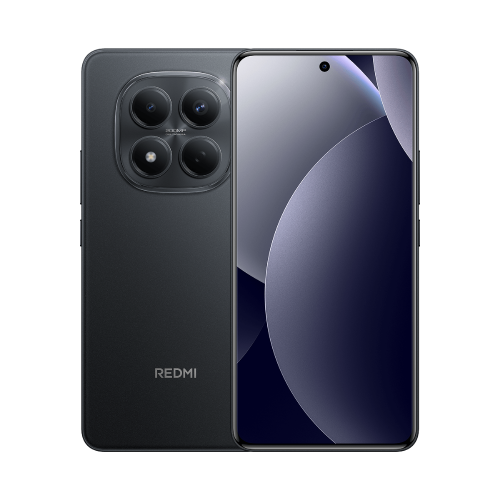
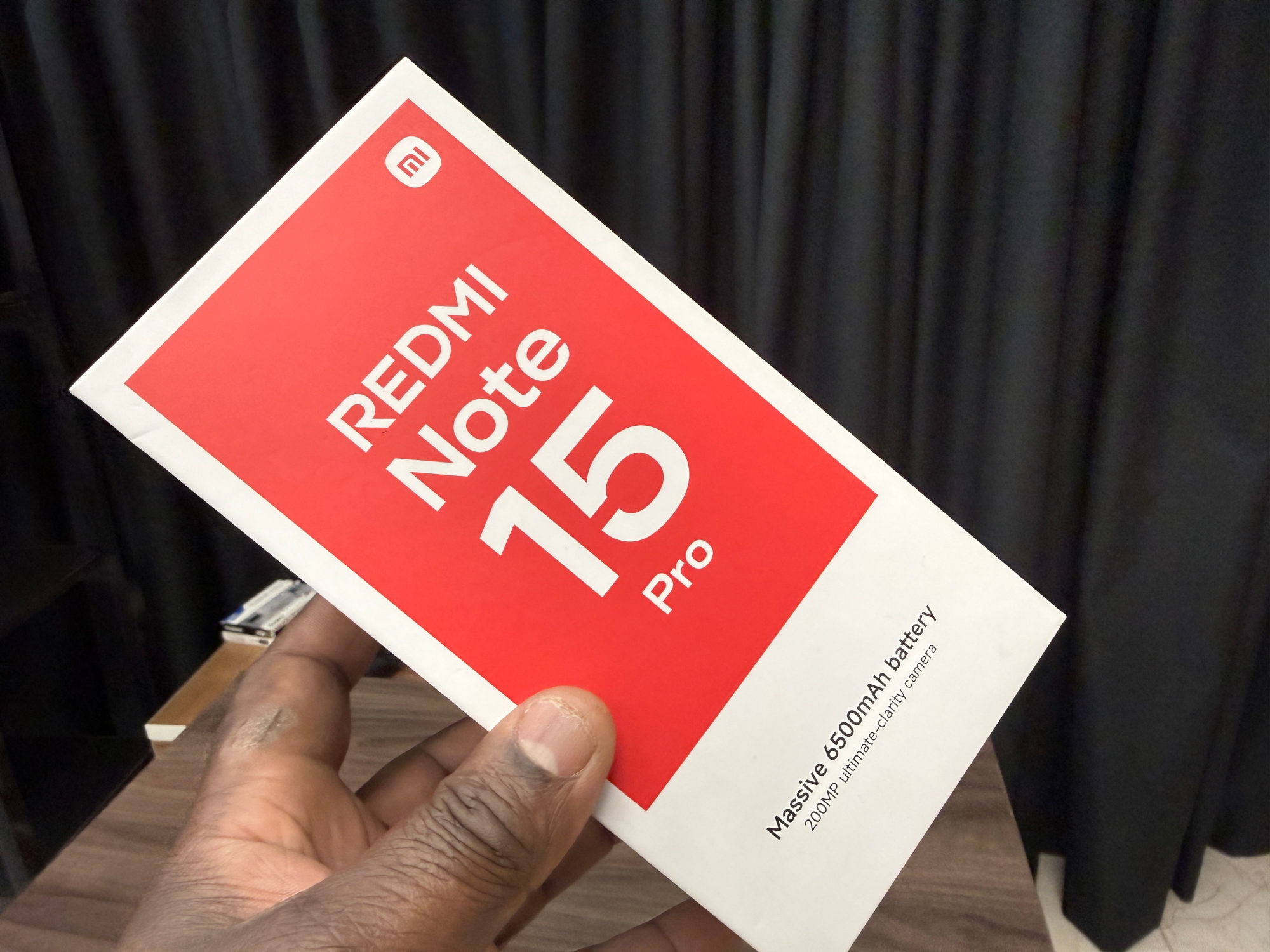
This guide covers the Redmi Note 15 Pro with the Helio G200-Ultra processor, documented in Xiaomi's UK FAQ. If you're unsure which version you own, my 4G and 5G comparison helps separate the models.
Xiaomi's general instructions cover most apps, excluding system apps. Availability is not a promise that every service permits a cloned app; check the app developer's rules first.
I'd also make sure I can sign in to the second account before creating anything. There is little value in an extra icon if I've lost the password or account recovery access.
Create one copy and check its identity
1. Open Settings, then Apps, then Dual apps. Choose an available app and enable it. This route comes from Xiaomi's general support guide; wording may vary with your software.
2. Open the cloned copy, identified by its special icon badge. Its first launch may take longer. Sign in with the account you want in that copy.
3. Check the account name inside both copies. Before sending a message, I'd also check the recipient and which copy I opened.
I'd start with a harmless test message to someone expecting it. Confirm it arrives from the intended account, then check which icon identifies any reply. That is a more useful check than merely seeing two matching app names.
Think about data before removing a copy
The original and clone keep separate app data, so the clone needs additional storage according to its contents. Xiaomi says removing the clone leaves the original intact, but uninstalling the original also removes its clone and the clone's data.
Disabling Dual apps deletes the cloned app's data; Xiaomi warns it cannot be backed up or restored through that operation. I'd treat disabling as deletion, never as a pause button.
Before removing either copy, check whether anything important exists only there. Use the app developer's own supported export or account-sync instructions where available, and verify access to what you need elsewhere before proceeding.
If the app is absent or sign-in fails
I'd stop at that point rather than force the feature through an unofficial cloning tool. Record the phone's software version, app version and exact error, then check with Xiaomi or the app developer.
A successful login is only the beginning. Keep checking which account is active whenever the audience matters, especially if one account is for work and the other is personal.
Useful links
- Xiaomi UK: Redmi Note 15 Pro FAQ, Dual apps support and model identity (opens in a new tab) Checked 20 October 2026
- Xiaomi UK: Dual apps setup, independent data and removal warnings (opens in a new tab) Checked 20 October 2026
Written with AI assistance for Redmi fans. How this blog is put together.