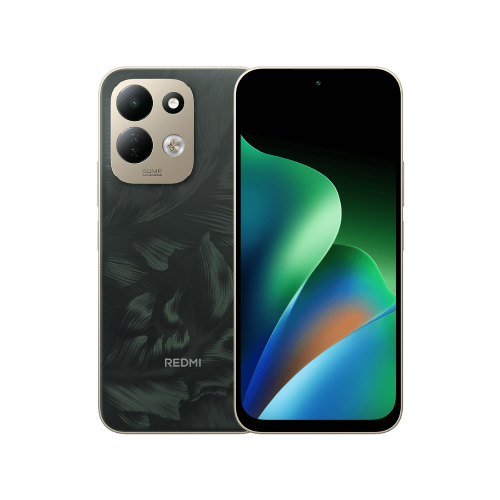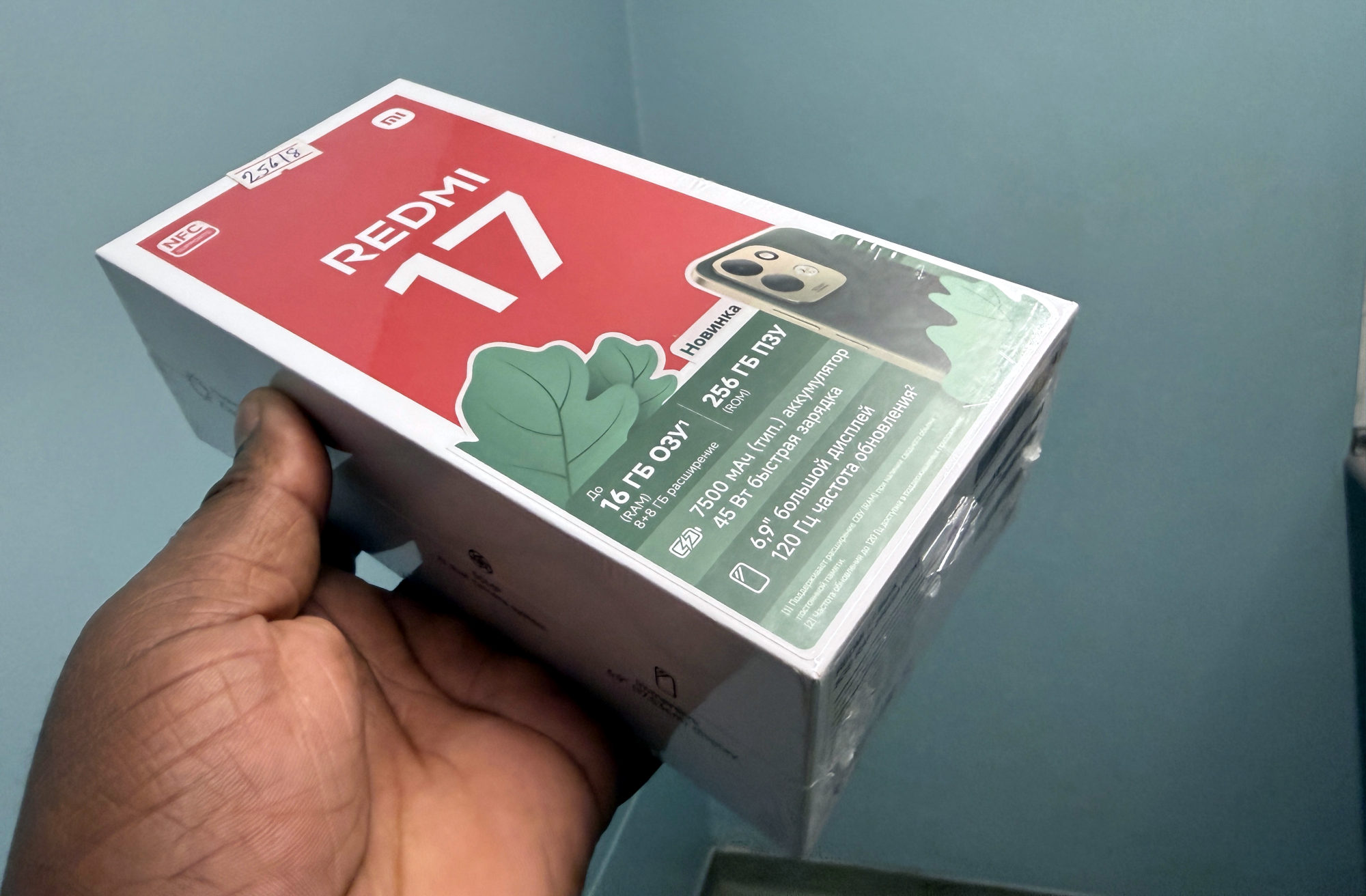
Find the Redmi 17 timeout setting
For the Redmi 17, Xiaomi documents this route in its global support FAQ. Menu names can differ on other models or software builds.
1. Open Settings, then Accessibility.
2. Select Physical, then Time to take action (Accessibility timeout).
3. Note the current selection before changing it. Choose Default to try Xiaomi’s suggested remedy for messages that remain on screen too long.
Choose time you can actually use
Google describes this Android setting as controlling how long temporary messages asking you to take action remain visible. Its general Android instructions list Default, 10 seconds, 30 seconds, 1 minute and 2 minutes. Check the choices your phone actually offers.
I would choose enough time to read the message and reach its action comfortably. A shorter wait is no improvement if it makes you miss a useful button. There is no single duration I would prescribe for everyone.
This is a specific accessibility control, so I wouldn't assume it manages every notification in the notification shade or on the lock screen. Google also cautions that not all apps support it.
Compare the same message, then decide
After changing the setting, repeat a harmless action that produced the temporary message before. Compare the same app and message, rather than two different kinds of alert. Avoid repeating purchases, deleting files or sending messages just to test a timeout.
If Default gives you a comfortable result, leave it there. If it disappears too quickly, return to the setting and restore your earlier selection or choose a longer time that suits you.
If one app behaves exactly as before, that does not by itself prove the phone setting is broken: app support is a limitation. Note the app name, exact message and phone software version if you need help from its developer or Xiaomi. If the documented menu is missing, stop at that mismatch rather than resetting the phone.
For a different everyday preference, I also cover changing the Redmi 17 Control centre style. That layout choice serves a separate purpose from message timing.
Useful links
- Xiaomi global: Redmi 17 FAQ, System Usage question 5 (opens in a new tab) Checked 23 October 2026
- Google Android Accessibility Help: change time to take action (opens in a new tab) Checked 23 October 2026
Written with AI assistance for Redmi fans. How this blog is put together.