Start with the light around the phone
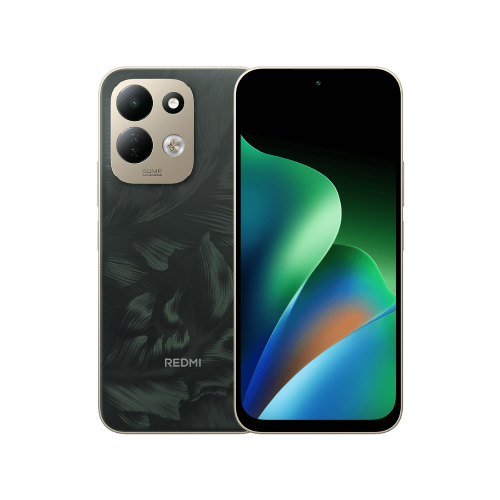
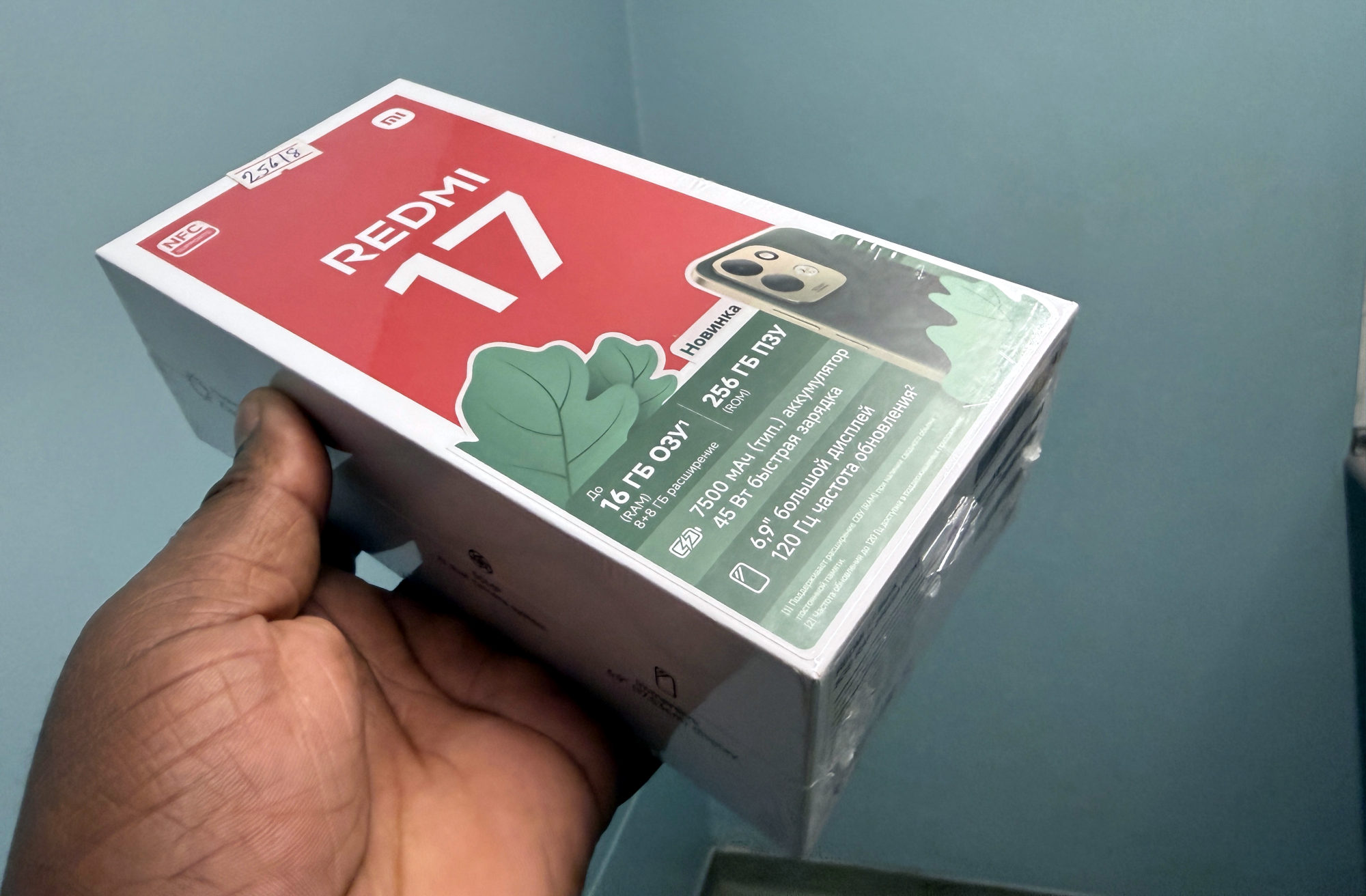
This guide covers the Redmi 17 documented in Xiaomi's global FAQ. The phone uses an ambient light sensor for automatic brightness.
Think about when the change happens. Moving from a dim room to a bright window is a different observation from repeated changes while you sit still. I'd note the surroundings and keep one familiar page open for comparison.
Xiaomi also advises checking for dirt or a screen protector obstructing the sensor if automatic behaviour seems erratic. Inspect for an obstruction rather than assuming every brightness change means damaged hardware.
Compare with automatic brightness switched off
1. Open the phone's display settings and find the automatic-brightness control. Xiaomi's Redmi 17 FAQ confirms that location without giving a longer menu path. If your labels differ, check your software version rather than follow a route for another model.
2. Note whether the control is on, then turn it off for the comparison. Choose a comfortable manual brightness using the brightness control available on your phone.
3. Return to the same page in the same room light. Observe whether the unwanted changes still occur. I'd change only this one setting, so the comparison remains useful.
If the screen now behaves as you prefer, you can keep that choice. If automatic adjustment was more convenient, return to the same control and restore it. Check readability again when your surroundings change.
When that does not explain it
A comparison is a clue, not a diagnosis. If the problem continues with automatic brightness off, record whether it affects one app or the whole phone, your software version and when it happens. Those details give Xiaomi support a clearer starting point than 'the screen is strange'.
I wouldn't reset the phone or buy a replacement display on this observation alone. If the screen is difficult to use, ask support to assess the behaviour before taking a more disruptive step.
Useful links
- Xiaomi global: Redmi 17 FAQ, Display question 7 on automatic brightness (opens in a new tab) Checked 24 October 2026
Written with AI assistance for Redmi fans. How this blog is put together.