Start with your exact Redmi 17
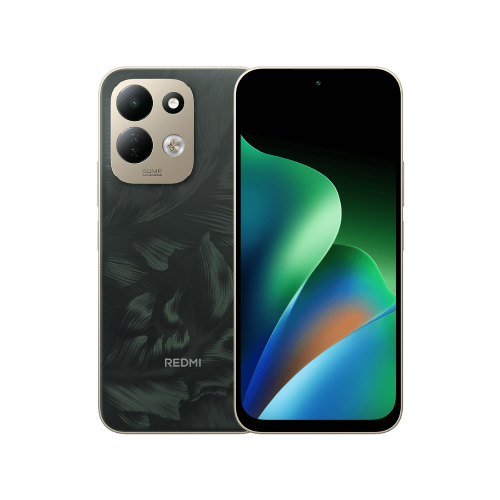
This guide covers the Redmi 17, rather than the Redmi 17 5G or the Redmi Note 17. Similar names deserve a second look when buying an imported phone.
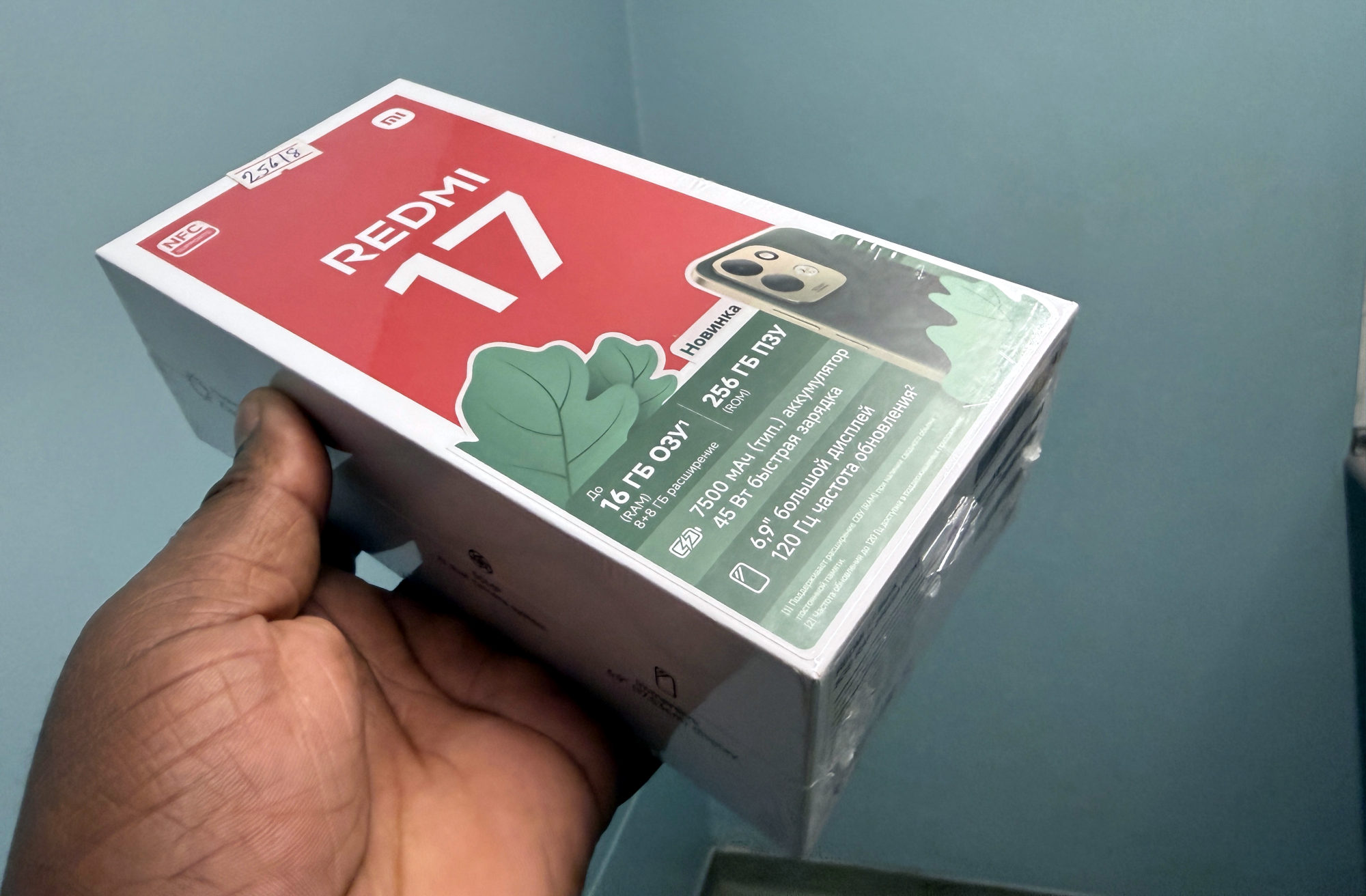
Check the specification for the version being sold, and ask the seller to confirm NFC on that handset. The box in our photograph carries an NFC badge, but its packaging doesn't establish every Redmi 17 variant's features or payment compatibility. I wouldn't infer its sales region from the Cyrillic text either.
Check your country and card separately
Google's supported-payment-method page lets you check by country. Your bank decides which of its cards work with Google Wallet, so a familiar bank name or a card already used for another Google service isn't enough confirmation.
I'd do this check before buying a phone specifically for contactless payments. It is much easier to find out which card is eligible at home than while holding up a queue.
Use Wallet to check readiness
For an NFC-equipped handset with a supported payment method, Google's setup sequence is:
1. Open Google Wallet, tap your profile picture or account icon, then Payment setup.
2. Turn on NFC in the phone's Settings and set Google Pay as the default payment app when prompted.
3. Add a supported contactless payment method and complete any verification requested.
4. Set a screen lock and resolve any device-security requirement reported by Wallet.
5. Check the message above the card. Google says a card with no message is ready for tap to pay.
Aim the top of the phone at the reader
Xiaomi places the Redmi 17's NFC sensing area near the top of the device. I'd start by lining that part up with the terminal, rather than repeatedly pressing the middle of the phone against it.
Google advises unlocking the phone and holding it near a contactless reader. If it doesn't respond, try a different position, move closer and hold it there a little longer. If the card is suspended or the payment is declined, check with your bank.
Keep the first attempt low pressure
I'd keep my usual payment method with me while checking that everything works. A successful setup screen is reassuring, but I wouldn't make the first real attempt when I'm rushing for a bus or paying for something urgent.
The useful distinction is between having NFC, having an eligible card and completing setup. Check each one, and the NFC badge becomes a feature you understand rather than a promise you're left guessing about.
Useful links
- Xiaomi global: Redmi 17 specifications and market-dependent NFC availability (opens in a new tab) Checked 15 October 2026
- Xiaomi global: Redmi 17 FAQ, NFC sensing area and regional features (opens in a new tab) Checked 15 October 2026
- Google Wallet: supported payment methods by country and bank (opens in a new tab) Checked 15 October 2026
- Google Wallet: payment setup and tap-to-pay troubleshooting (opens in a new tab) Checked 15 October 2026
Written with AI assistance for Redmi fans. How this blog is put together.