Start with the phone and plan
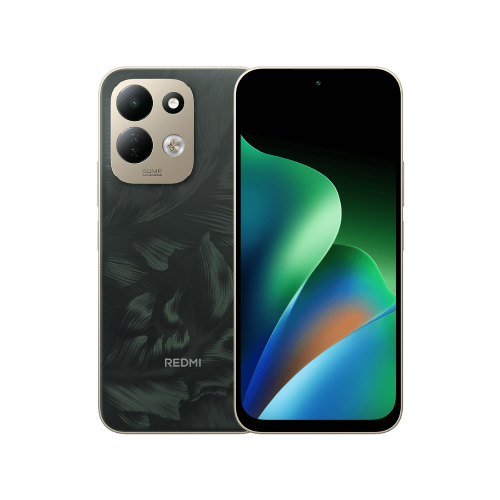
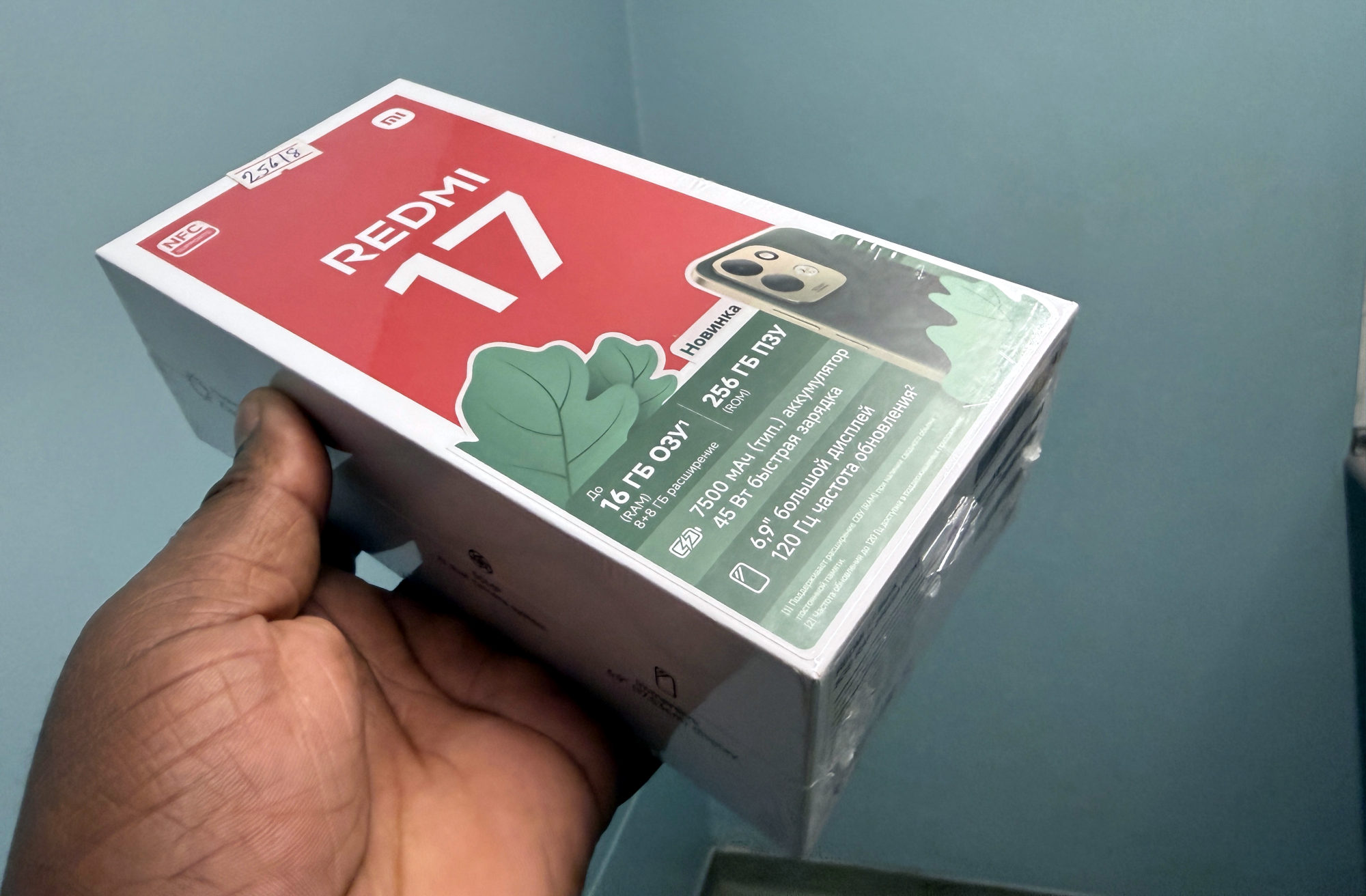
This guide covers the Redmi 17 using Xiaomi's global support FAQ. It does not establish the menus for the similarly named Redmi 17 5G. Software and regional wording can differ, so check your exact handset if the path doesn't match.
Google warns that some carriers restrict tethering or charge extra. I'd check the plan's allowance before relying on a hotspot for work or travel, and keep an eye on usage while another device is connected.
My first check would be to turn off Wi-Fi on the Redmi and load a fresh web page using mobile data. If that fails, I'd sort out the phone's mobile connection before trying to share it. A hotspot can't make a missing mobile-data connection usable.
Turn on Portable hotspot
1. Open Settings on the Redmi 17.
2. Open More connectivity options, then Portable hotspot.
3. Check the hotspot settings and note the network name and password. Keep password protection in place; menu labels for editing these details may differ.
4. Enable Portable hotspot.
Xiaomi documents that route for this model. I'd use a recognisable network name that doesn't include private details, so it is easy to pick the right one on the other device.
Join from the laptop or tablet
On the other device, open its Wi-Fi network list, choose the Redmi's hotspot name, enter the hotspot password and connect. Google documents this joining sequence for Android hotspots.
I'd then load a new web page on the connected device. Joining the Wi-Fi network and reaching the internet are two separate checkpoints: a connection icon alone doesn't show that the phone has working mobile data.
If the network name is missing or the password is rejected, recheck that the hotspot is enabled and compare the saved name and password. If joining works but pages don't load, repeat the phone-only mobile-data check and confirm tethering with the carrier. I'd describe which checkpoint failed when asking for help.
Finish the sharing session
Turn Portable hotspot off when you're finished. Google recommends switching off tethering connections after use to help battery life.
I'd also check the mobile account's usage before starting another long session. If you need help with everyday battery drain beyond hotspot use, my Redmi battery-life guide covers a separate set of checks.
Useful links
Written with AI assistance for Redmi fans. How this blog is put together.