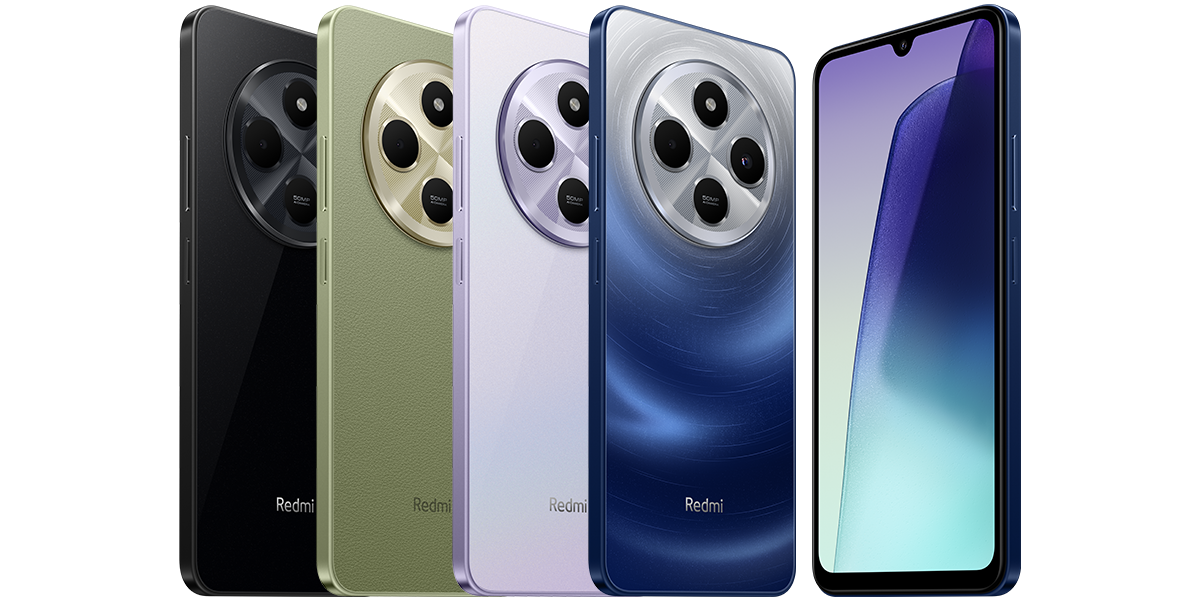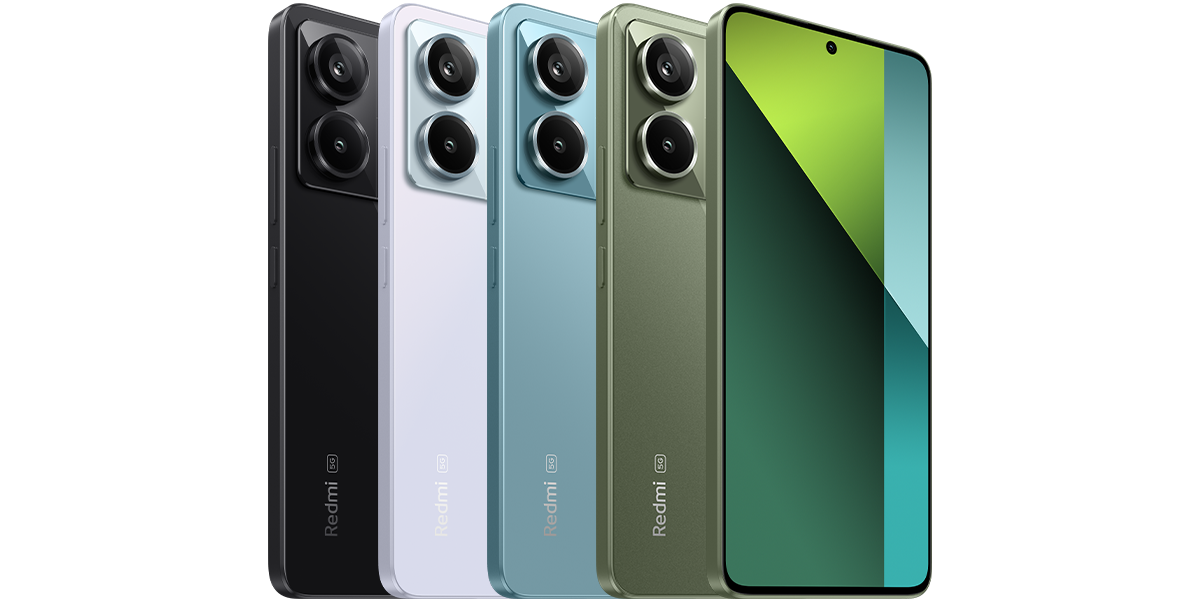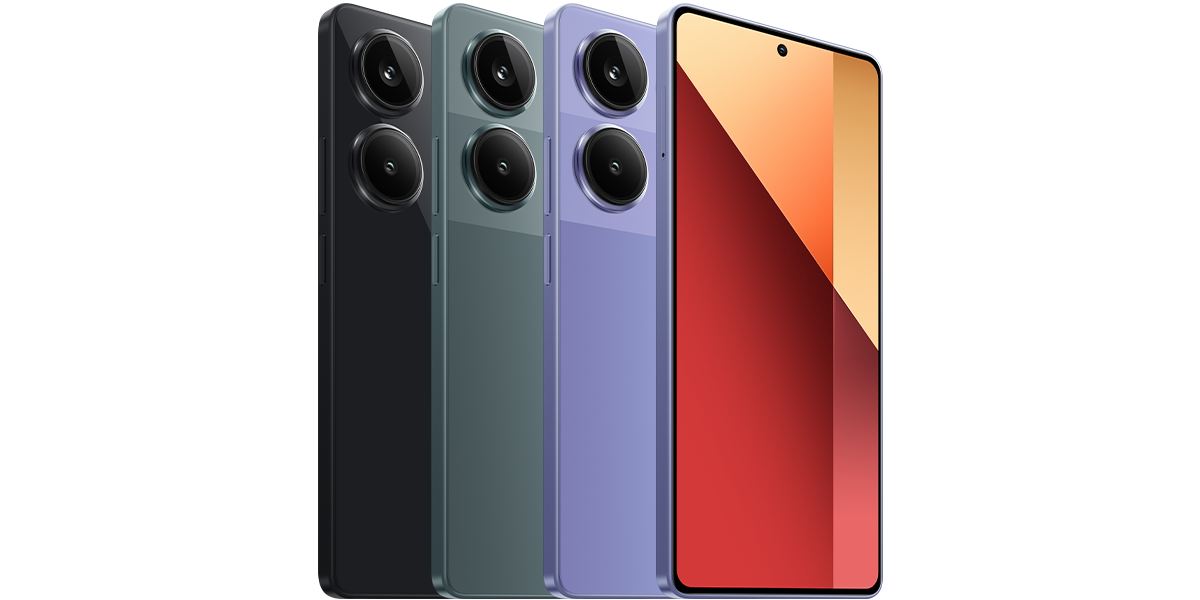
Three examples from Xiaomi’s global specifications
These are standard video-recording modes listed by Xiaomi, checked on 10 October 2026. They describe these exact global models, not every phone with a similar name.
- Redmi 14C, Helio G81-Ultra: rear and front cameras list 1080p at 30fps and 720p at 30fps. No 4K recording mode is listed.
- Redmi Note 13 Pro 4G, Helio G99-Ultra: rear and front cameras list 1080p at 30 or 60fps, plus 720p at 30fps. No 4K recording mode is listed.
- Redmi Note 13 Pro 5G, Snapdragon 7s Gen 2: rear camera lists 4K at 30fps, 1080p at 30 or 60fps, and 720p at 30fps. The front camera lists 1080p at 30 or 60fps and 720p at 30fps, not 4K.
Read resolution and frame rate together
In these specifications, 4K means 3840 by 2160 pixels per frame; 1080p means 1920 by 1080. The fps number is the number of frames recorded each second. Treat them as a pair when comparing modes.
For example, the Note 13 Pro 5G’s listed 60fps option applies to 1080p, not to its 4K mode. Its separately listed slow-motion options should not be read as ordinary 4K recording modes.
A 200MP camera is not a promise of 4K video
Both Note 13 Pro models above have a 200MP main still camera, yet their published video limits differ. The Redmi 14C has a 50MP main camera but lists a maximum of 1080p at 30fps. These examples show why the megapixel headline cannot answer the video question.
A specification under Display or Video playback is also not the same as a camera-recording specification. Look specifically for Rear camera video recording or Front camera video recording in the official sheet.
Check a missing mode without guessing at menus
Use this checklist before trying fixes. Camera controls can move between software versions, so follow the labels your phone actually shows rather than an unverified menu path.
- Confirm the full model, including any 5G suffix, against the box or device information and its regional Xiaomi specification page.
- Check whether you are using the front or rear camera. On the Note 13 Pro 5G, the published 4K support is for the rear camera.
- Use the normal video mode and review the available resolution and frame-rate combinations. Do not assume that slow motion or another special mode offers the same choices.
- Record a short test clip and inspect its details in a viewer that reports resolution and frame rate. Verify the saved original rather than relying on a messaging-app copy.
If the specification and phone still disagree
If your exact model’s official recording list stops at 1080p, a missing 4K option is consistent with that specification. There is no documented 4K setting to enable on the two 1080p-only examples above.
If a supported combination is absent, note the full model, region, software version, camera and recording mode, then contact Xiaomi support with those details. Avoid promises that an unknown camera app will unlock an unsupported mode. This comparison is based on published specifications, not hands-on recording tests.
Sources and further reading
- Xiaomi global: Redmi 14C video specifications (opens in a new tab) Checked 10 October 2026
- Xiaomi global: Redmi Note 13 Pro 4G video specifications (opens in a new tab) Checked 10 October 2026
- Xiaomi global: Redmi Note 13 Pro 5G video specifications (opens in a new tab) Checked 10 October 2026
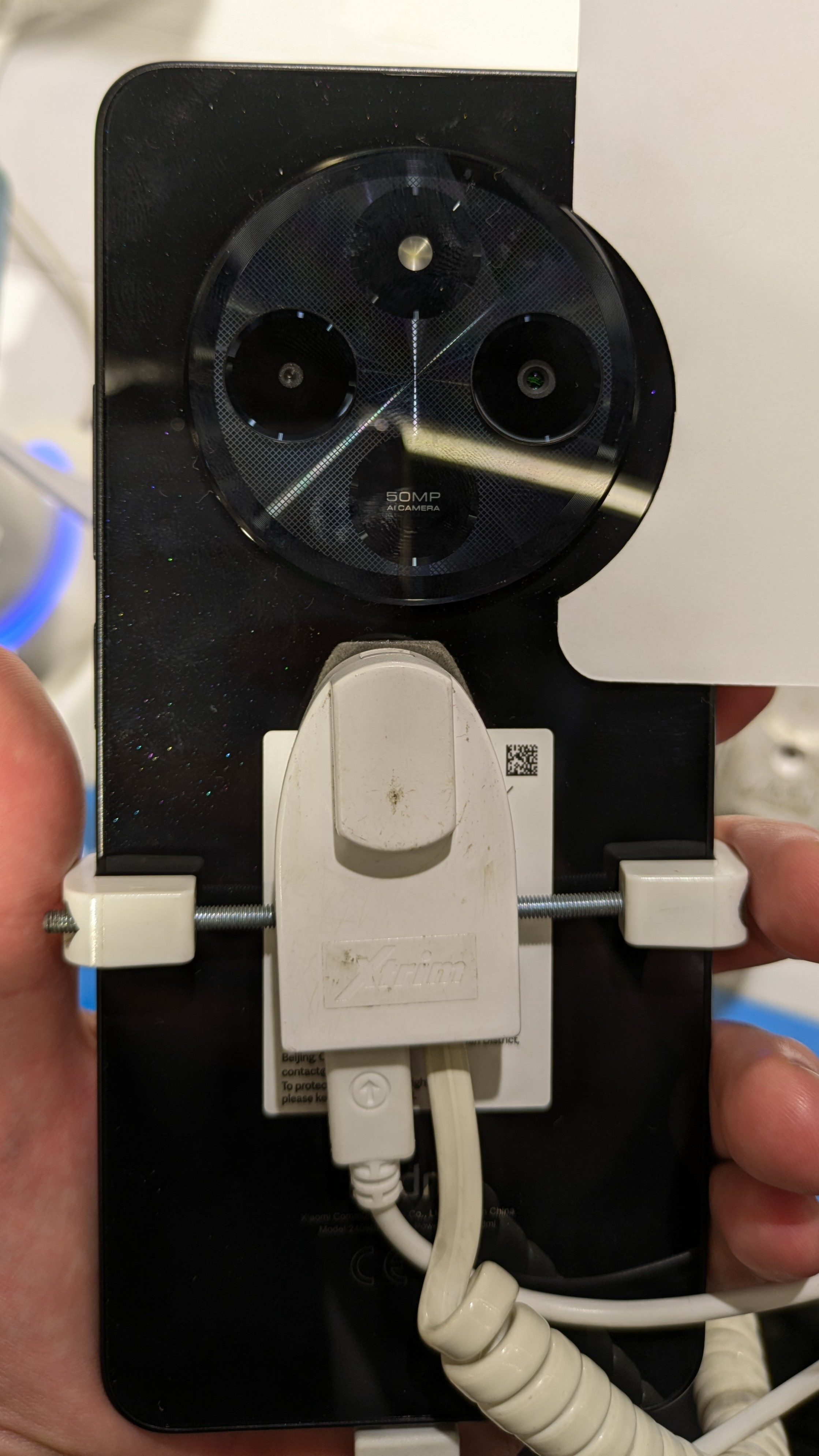
- Featured photograph licence: CC BY-SA 4.0 (opens in a new tab) Checked 10 October 2026
Prepared with AI assistance and checked against the sources listed. Menu names and features can vary by device and software version. How we publish.