What 120Hz actually changes
Refresh rate is how often a screen redraws its image. At 120Hz it can do that 120 times a second, compared with 60 times at 60Hz. That gives moving content more opportunities to look smooth, especially when you're scrolling through a page or gallery.
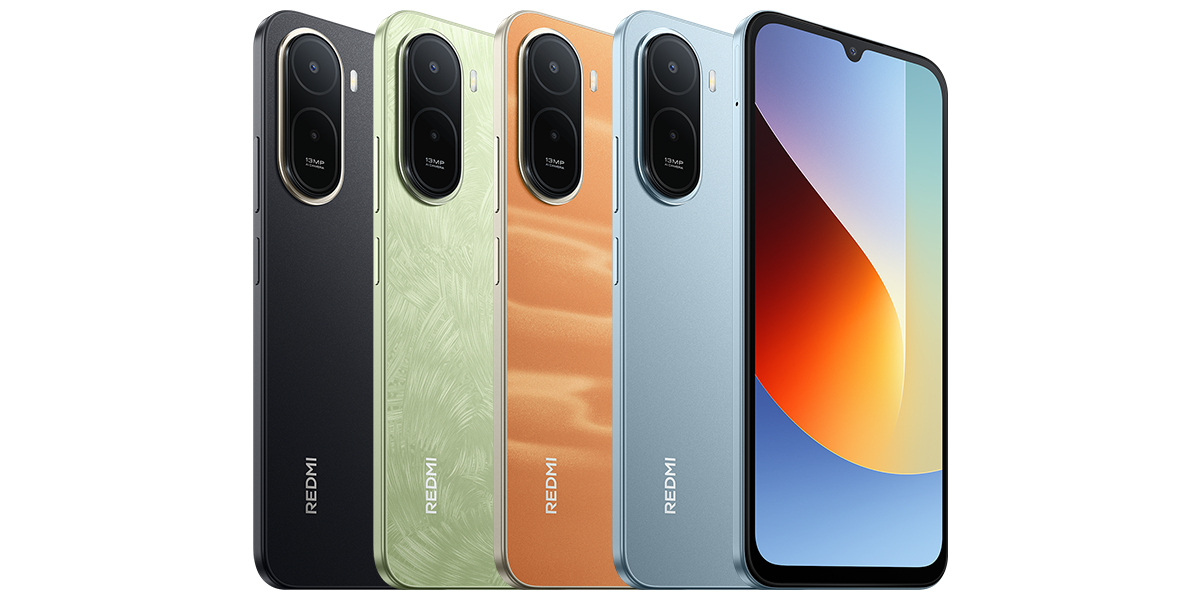
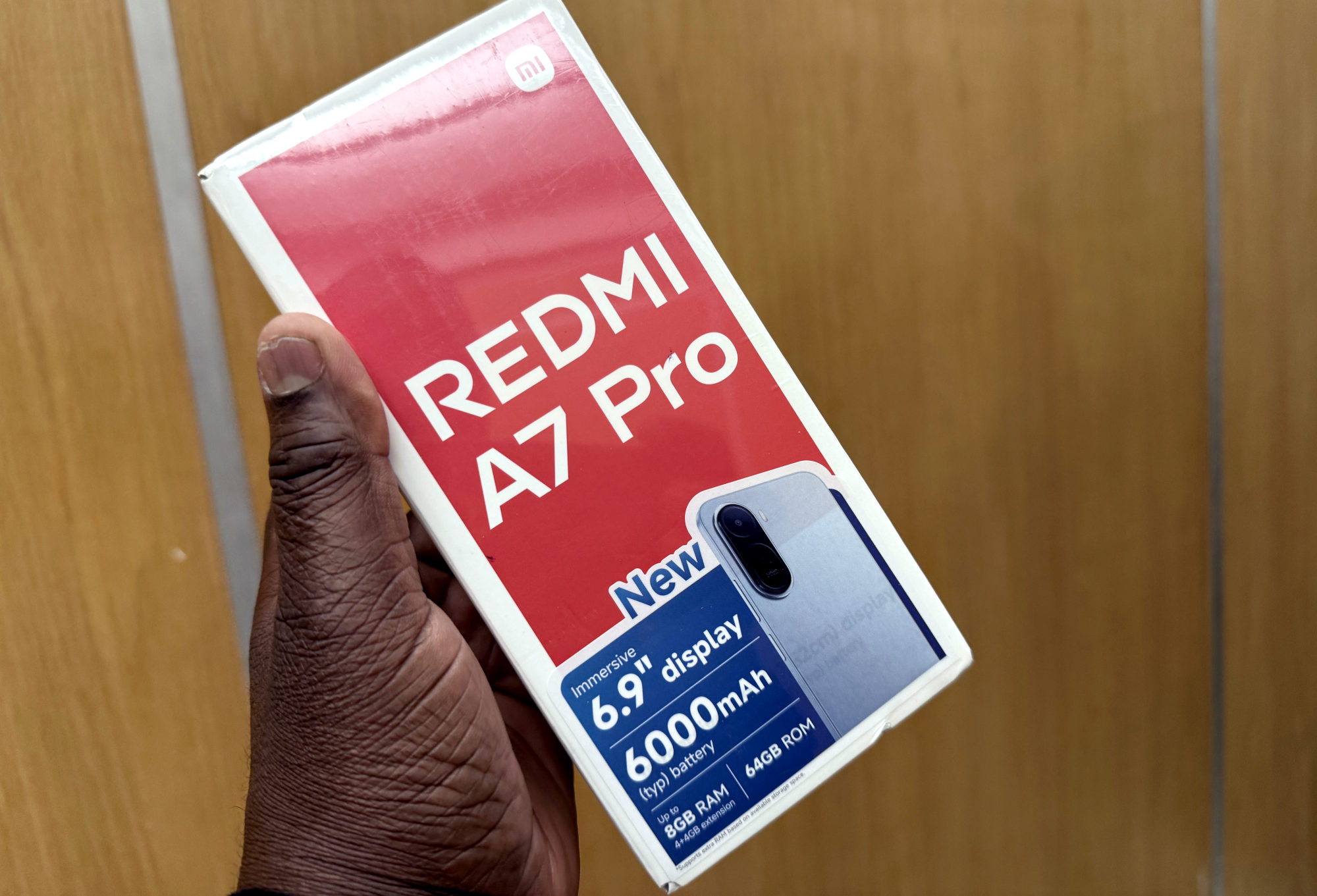
I'm talking about the global 4G Redmi A7 Pro with the UNISOC T7250 processor. Its display is a 6.9-inch LCD with a 1600 by 720 resolution. The refresh rate doesn't change that pixel count, so don't read 120Hz as a promise of a sharper picture.
Why 120Hz doesn't guarantee 120fps gaming
Think of the screen and the game as doing different jobs. The screen refreshes; the game produces new frames. A game producing 60 frames per second won't suddenly create 120 different frames just because the display can refresh faster.
Android can run the display at a different rate from the content it is showing. Battery-saving settings can also affect the rate the system chooses. Xiaomi's own A7 Pro specification qualifies 120Hz with supported apps, while its FAQ lists 60Hz, 90Hz and 120Hz depending on the situation.
I'd want to see the exact game running before buying this phone for high-frame-rate gaming. The display number alone doesn't tell me how well that game performs, and I wouldn't promise a frame rate without a proper test.
Here's how I'd try the difference
You don't need a gaming benchmark to decide whether smoother scrolling matters to you. I'd start with something familiar, such as reading the same long page.
- Search Settings for refresh rate. If your software offers a choice, note the current setting before changing it. The supported rates don't necessarily mean three separate buttons will appear.
- Compare the available lower and higher settings in the same app, keeping brightness the same. Scroll at a similar pace and see which feels more comfortable.
- If one app looks unchanged, try another before assuming something is broken. Support varies by app.
- Keep the setting you prefer, or restore the original if the difference isn't useful to you. Don't install a random unlocker or force a hidden mode to chase a number.
Choose the trade-off that suits your day
I like a feature that makes ordinary browsing feel nicer. Still, if getting through a long day matters more to you, compare the available refresh settings alongside the other checks in my Redmi battery-life guide. I wouldn't promise a particular number of extra battery hours from one setting.
If you can't find a refresh option, note your exact model and software version before contacting Xiaomi support. A menu from another Redmi model isn't a reliable map for yours.
Useful links
- Xiaomi: global Redmi A7 Pro display and hardware specifications (opens in a new tab) Checked 14 October 2026
- Xiaomi: Redmi A7 Pro FAQ and supported refresh rates (opens in a new tab) Checked 14 October 2026
- Xiaomi: what screen refresh rate means (opens in a new tab) Checked 14 October 2026
- Android Developers: how app frame rate and display refresh rate interact (opens in a new tab) Checked 14 October 2026
Written with AI assistance for Redmi fans. How this blog is put together.