Check the phone and carrier as a pair
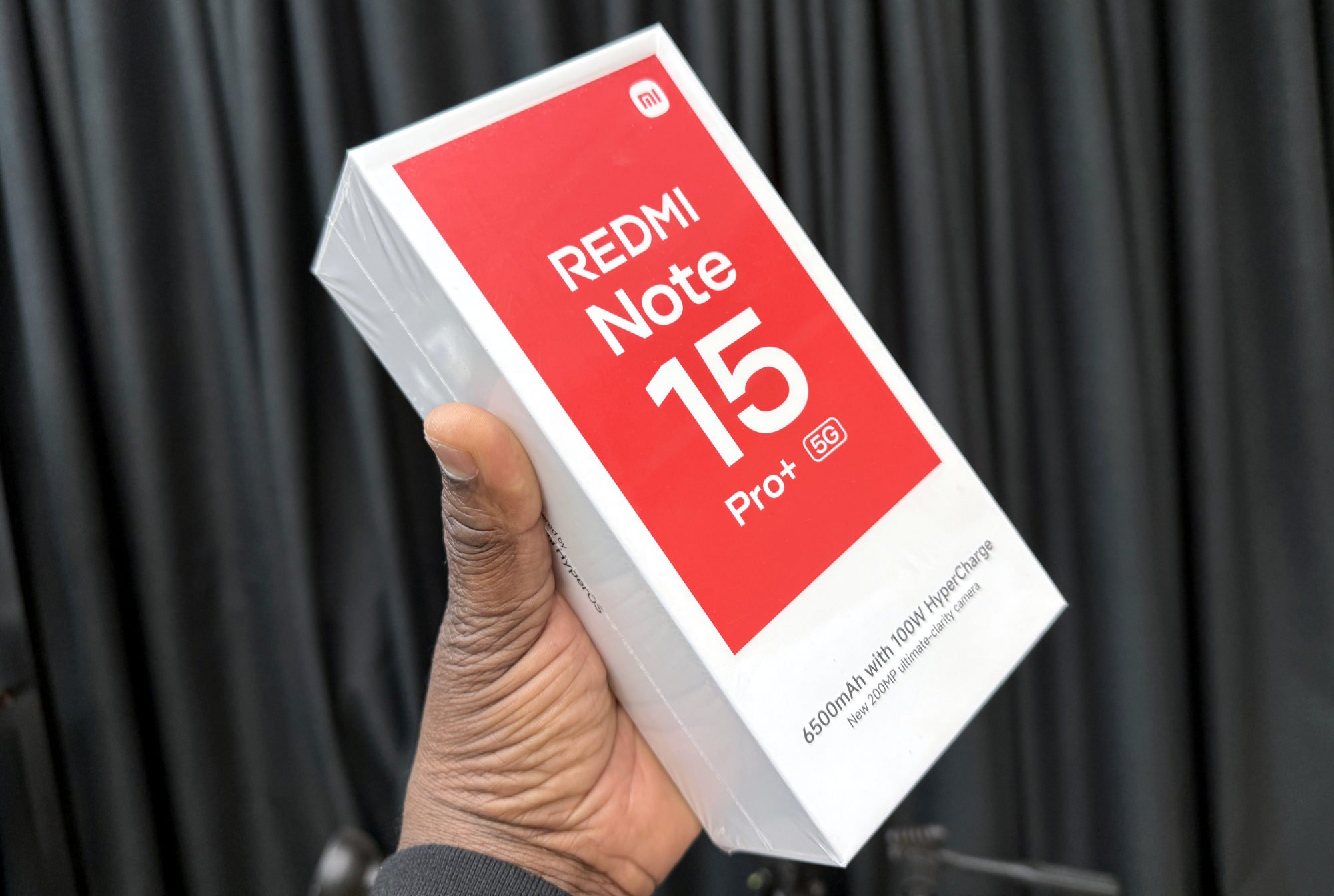
This guide covers the Redmi Note 15 Pro+ 5G using its global specifications. The plus sign and regional version matter. A familiar Redmi name in a shop listing isn't enough to confirm eSIM on the handset being sold.
An eSIM lets a supported phone use a mobile plan without inserting a physical SIM for that line. Xiaomi says a wireless service plan is required and warns that switching-provider and roaming restrictions may apply. I'd ask the carrier to confirm support for my exact version, the destination if travelling, and the service I need.
Plan for two lines, not three
Xiaomi lists two combinations: two nano-SIMs, or one nano-SIM plus one eSIM. That doesn't describe using two physical SIMs and an eSIM together. If you already rely on two physical numbers, decide which line would give way before adding another plan.
I'd write down which number needs to stay reachable and which line I want for data. Then I'd ask the provider how its plan fits that arrangement, rather than assume that every eSIM offer includes the same services.
Use Xiaomi’s general setup route as a starting point
Xiaomi publishes the following general route for phones that support eSIM. It isn't a version-specific walkthrough for every regional Note 15 Pro+ build, so menu wording may differ. Have your carrier's activation details and instructions ready, and keep an internet connection available.
1. Open Settings, then Mobile networks.
2. Enable Use eSIM and open Manage eSIM.
3. Choose Add eSIM, or Discover eSIMs if that is the method you need.
4. Follow the prompts to scan the carrier's QR code or enter the activation details manually.
Xiaomi says the eSIM should then be added. I'd check that the new profile appears and follow the carrier's instructions to confirm service. Seeing a profile is a useful checkpoint, but I'd also verify the calls or data I actually bought before relying on it away from home.
If the option is missing, check compatibility first
Xiaomi says its setup path is available only on phones with eSIM support. If your menus don't match, I'd stop and contact Xiaomi or the carrier with the exact model, sales region and software version. I wouldn't buy another plan on the assumption that a missing option must be a quick settings fix.
If installation fails, keep the provider's error message and ask it what to do next before deleting the profile or resetting the phone. That gives support something concrete to investigate and avoids changing several things at once.
Useful links
- Xiaomi global: Redmi Note 15 Pro+ 5G SIM combinations and regional eSIM availability (opens in a new tab) Checked 16 October 2026
- Xiaomi global: general eSIM activation route for supported phones (opens in a new tab) Checked 16 October 2026
- Jazztel Spain: Note 15 Pro+ 5G eSIM guide and internet prerequisite (opens in a new tab) Checked 16 October 2026
Written with AI assistance for Redmi fans. How this blog is put together.