The cable has a job beyond carrying sound
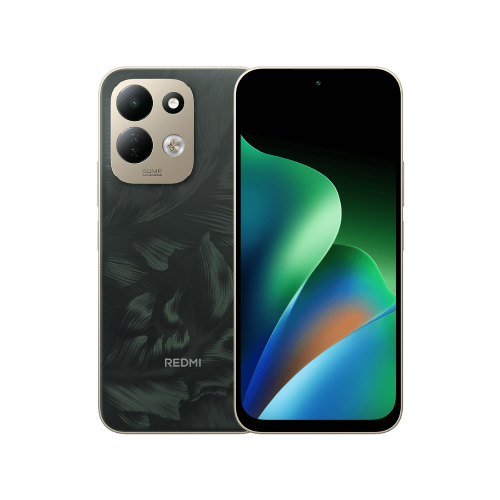
Xiaomi's global specifications for the Redmi 17 list a 3.5mm headphone jack and FM support. Its model FAQ adds the wired-earphone antenna requirement. A Bluetooth connection alone does not meet that documented requirement, so I'd start with a compatible wired pair rather than buy new wireless earbuds for this task.
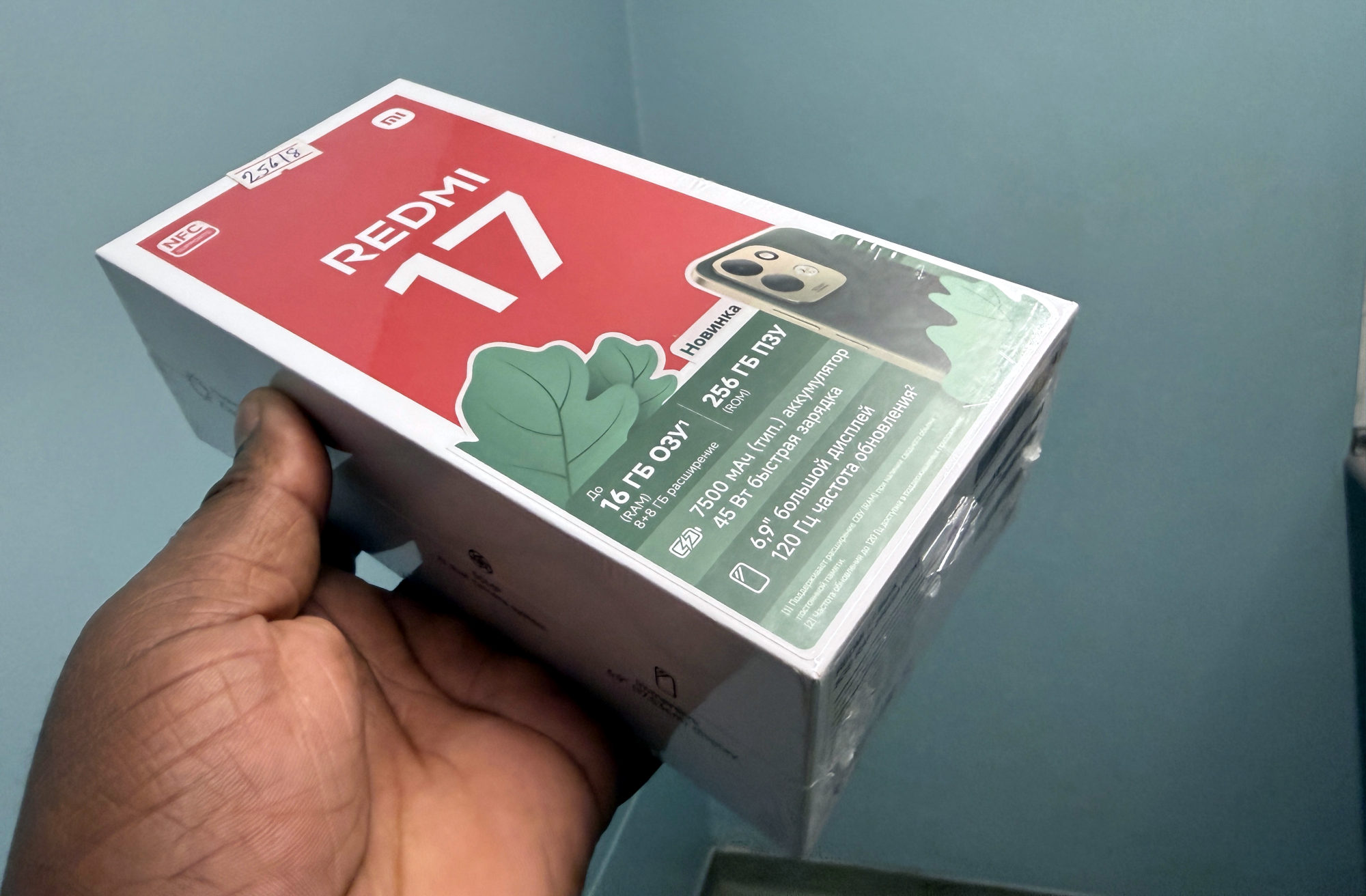
This guide concerns the Redmi 17 described by those global sources. It does not establish the behaviour of Redmi 17 5G, Redmi Note models or another phone that happens to have a similar name.
Three checks before changing anything
1. Confirm the exact model and regional version. If yours is the Italy version, Xiaomi lists FM as unsupported. If you cannot identify the version from your purchase information, ask the seller or Xiaomi support rather than guess from the language on the box.
2. On a supported version, connect suitable wired earphones to the headphone jack before checking the radio. I'd try a pair I already have before spending money. The useful first result is whether the radio recognises the connected earphones; that is a separate observation from whether a station comes through.
3. Note what happens: is the radio app absent, is it asking for earphones, or is it open without usable reception? Keep those observations separate when asking for help. I would not treat all three as proof of the same fault.
If your phone still does not behave as expected
Give Xiaomi support the model, regional version, installed software version and the result with the wired pair. Its published FAQ does not give an exact app location or tuning sequence, so I would follow the controls actually offered on the phone rather than borrow a menu path from an older Redmi.
If sound is missing beyond the radio, the Redmi 17 no-sound checks can help you describe that broader problem. If you are still confirming which handset you own, the Redmi 17 4G and 5G comparison explains why the exact variant matters.
Useful links
Written with AI assistance for Redmi fans. How this blog is put together.